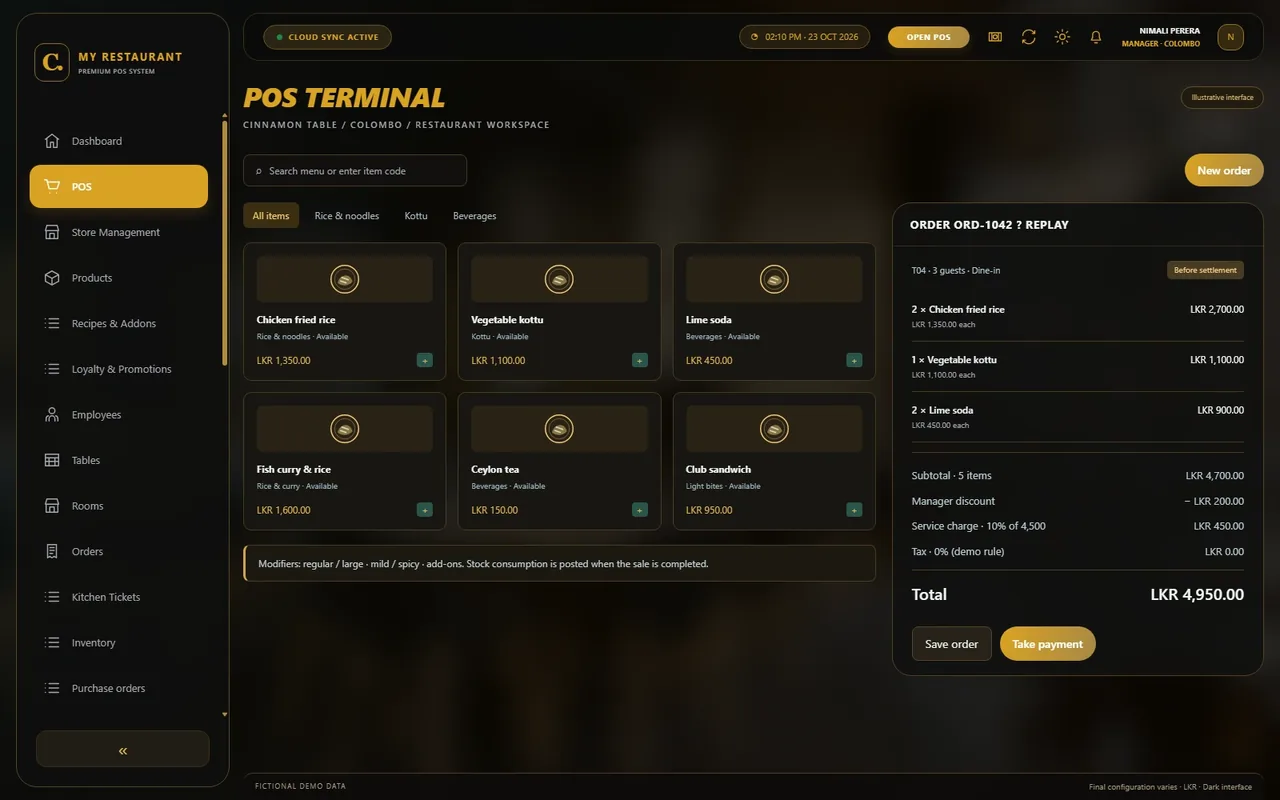
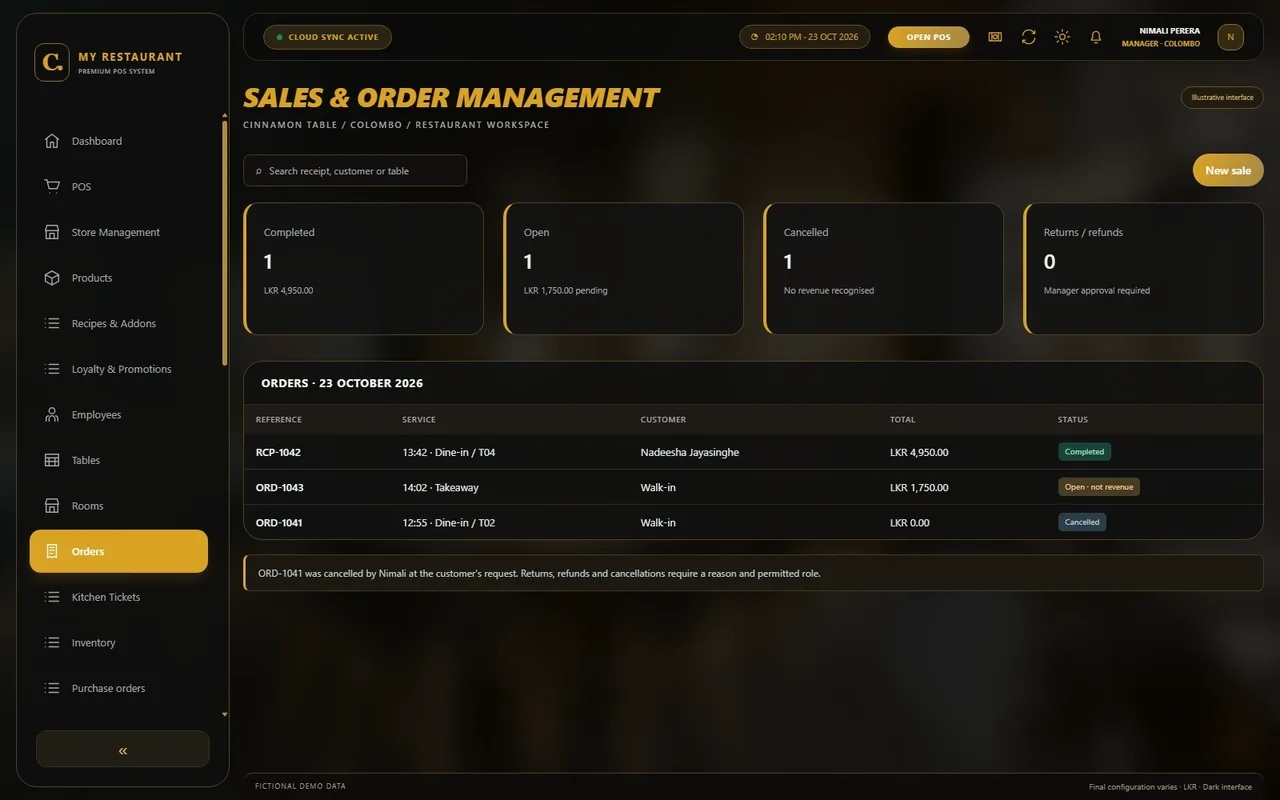
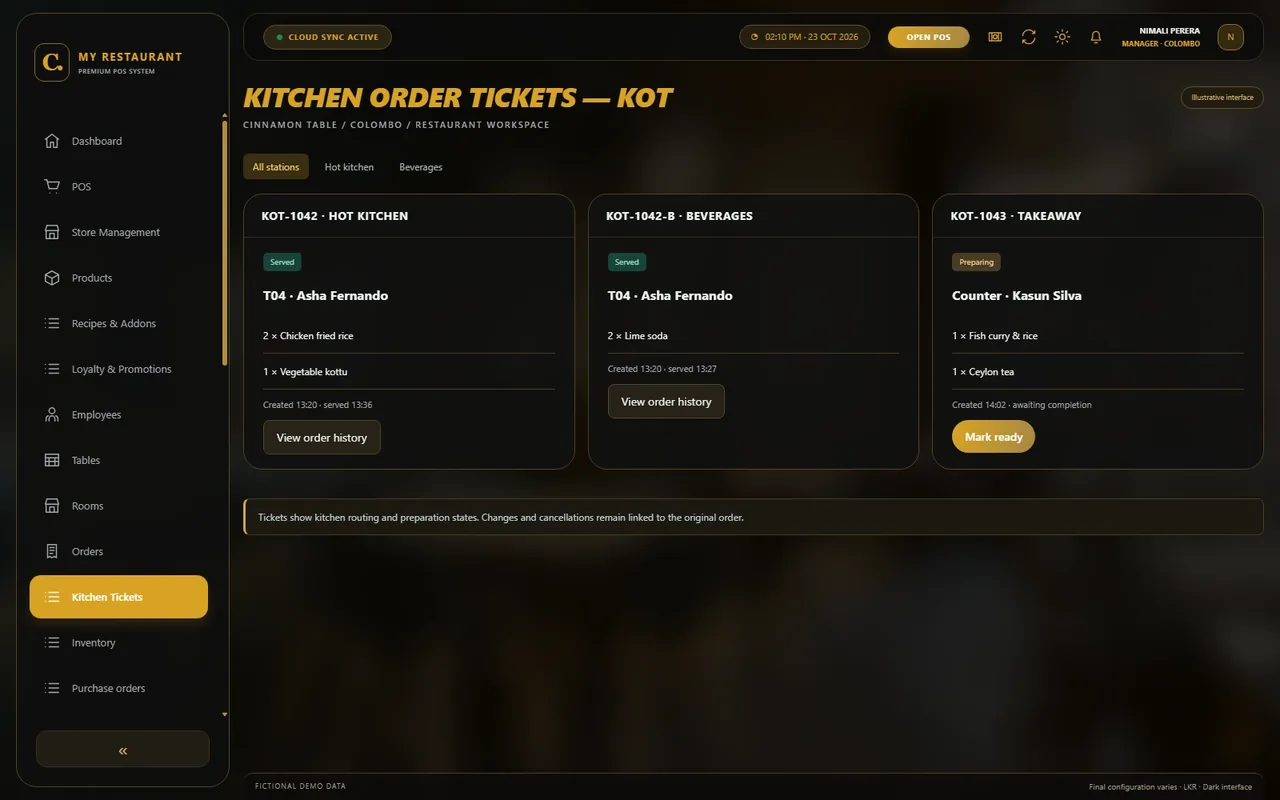
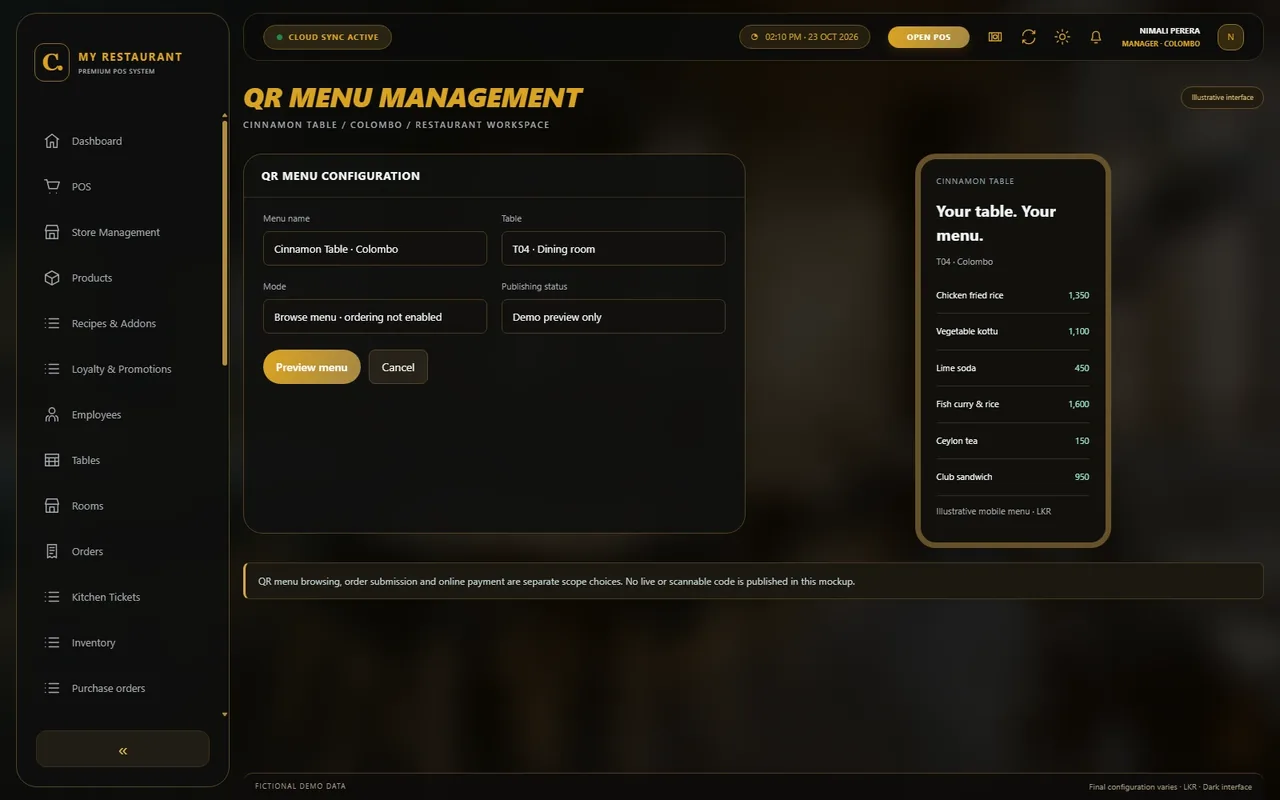
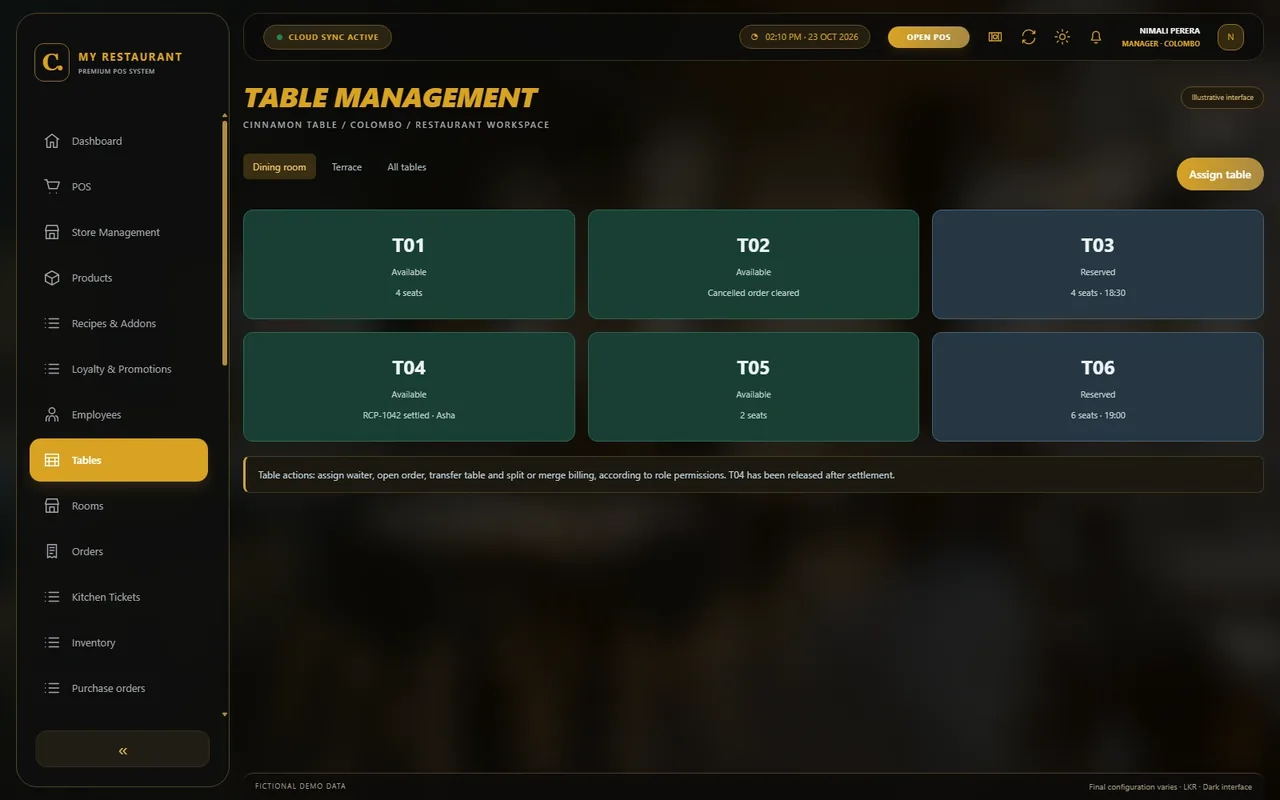
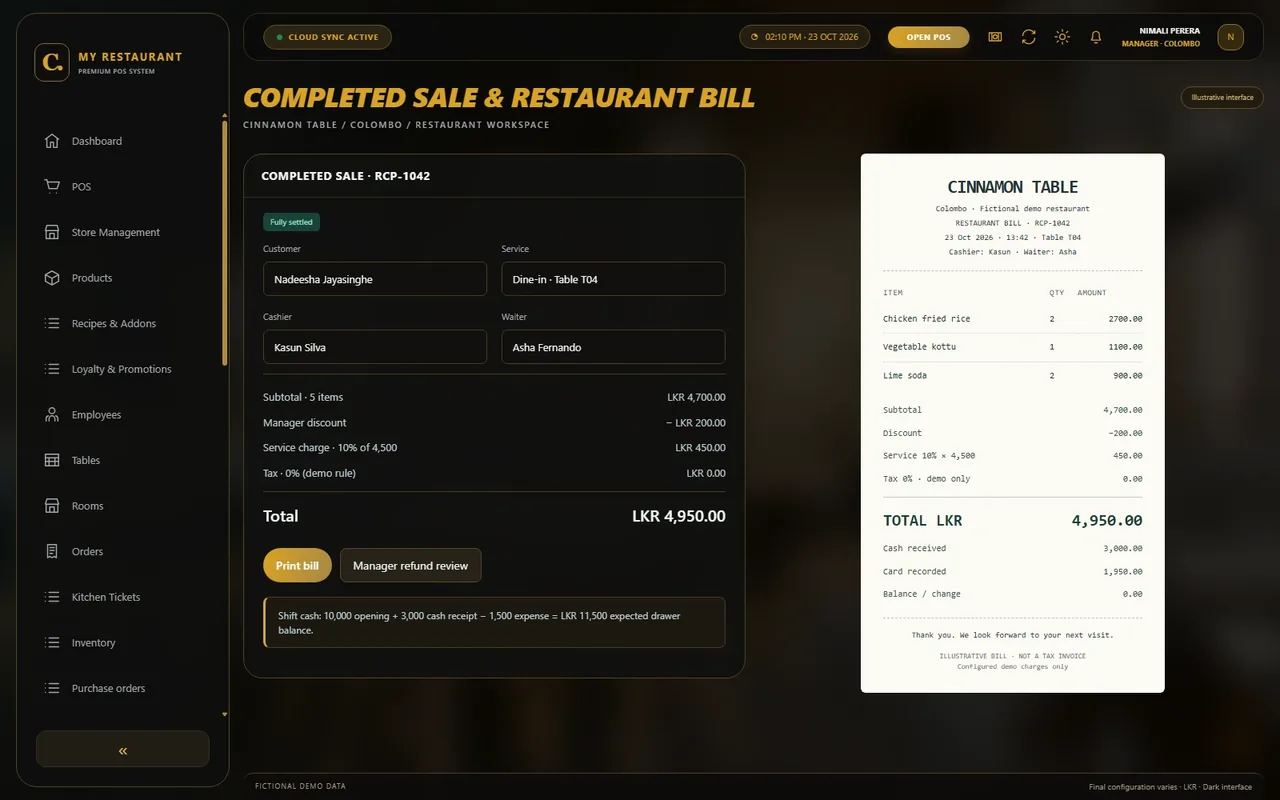
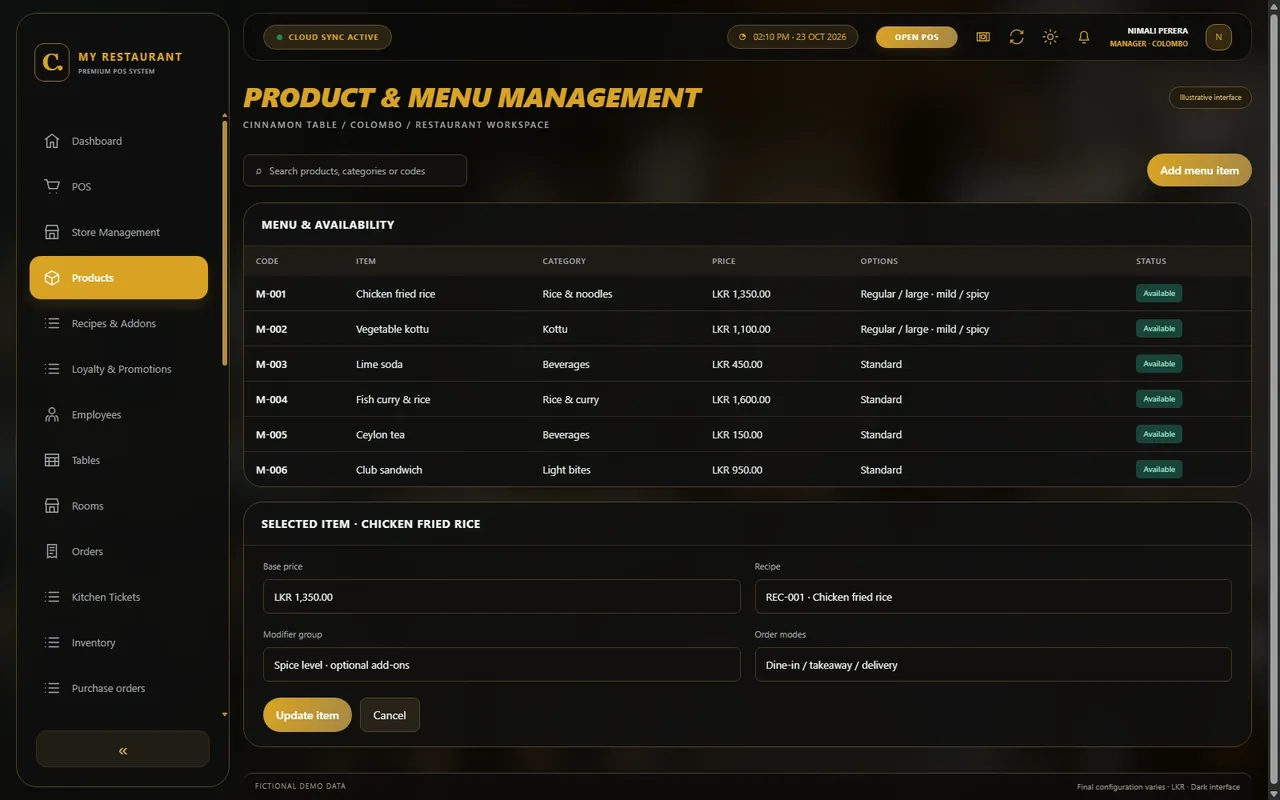
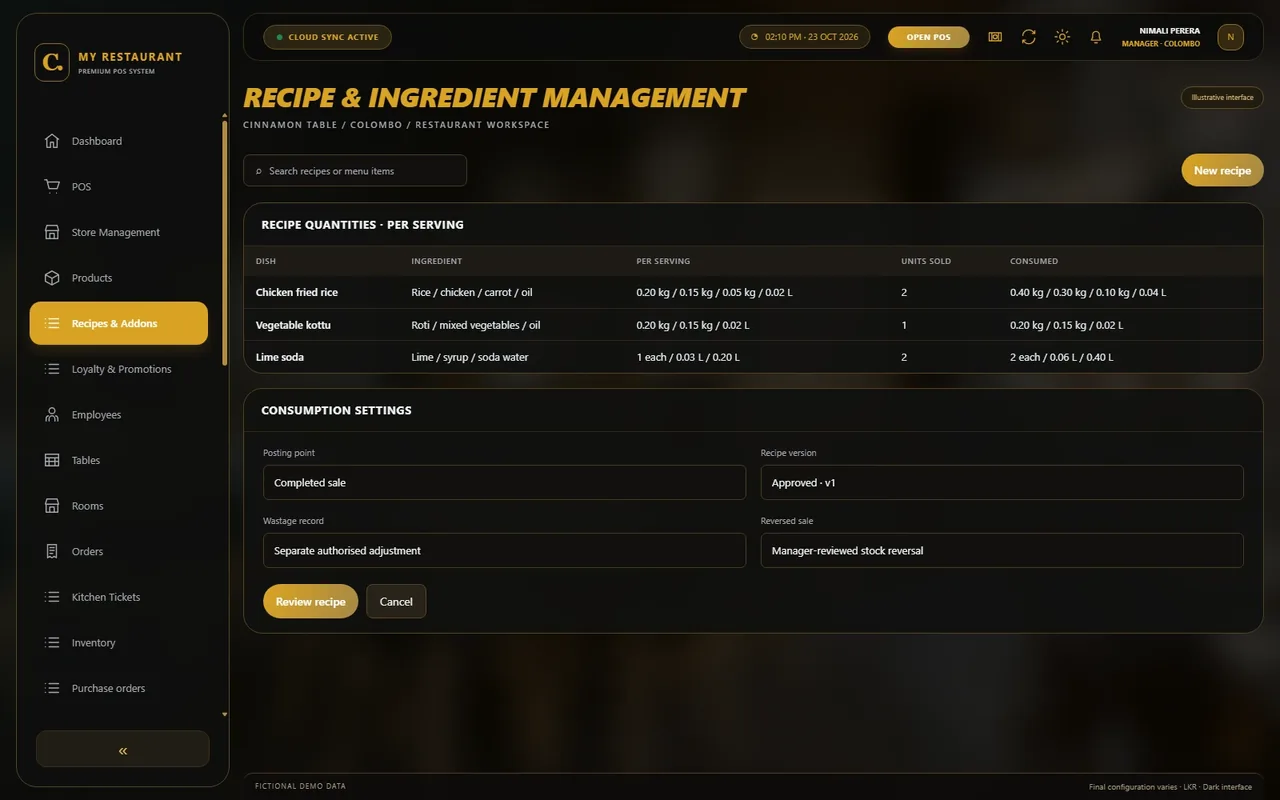
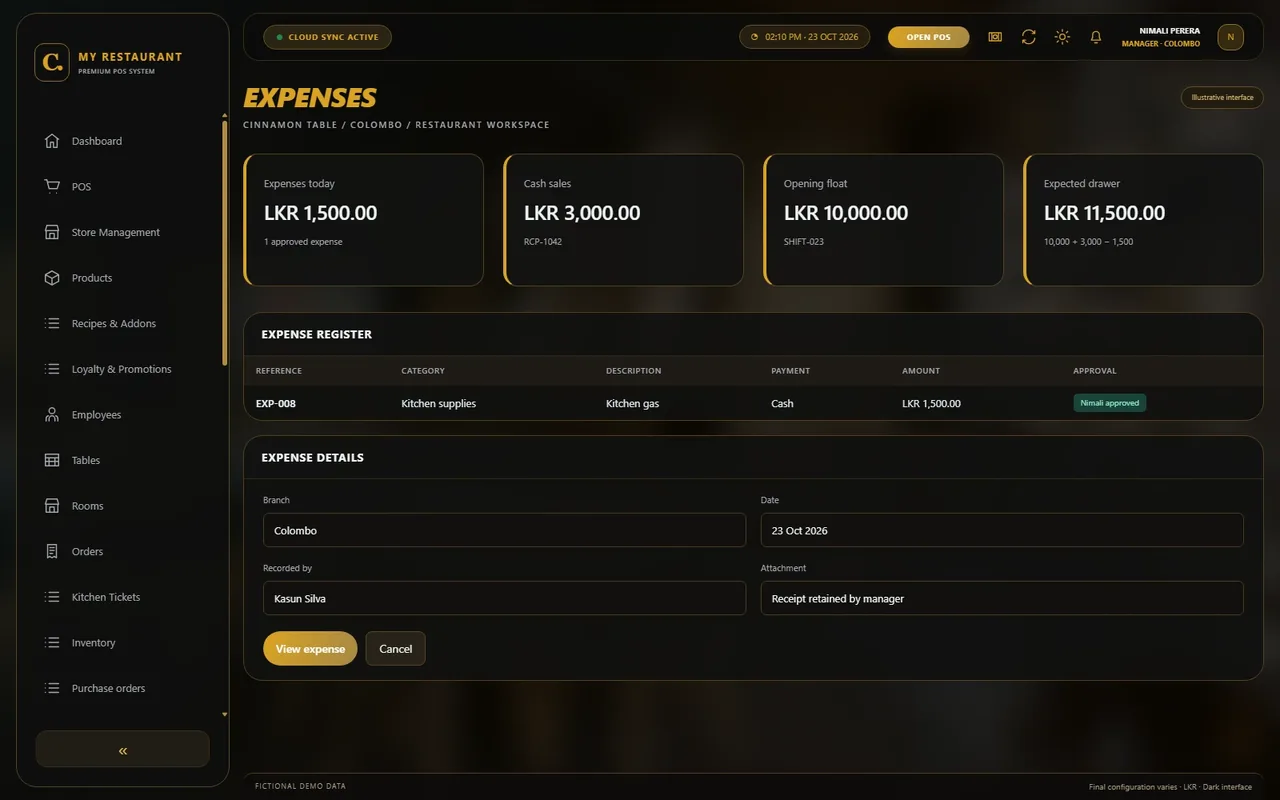
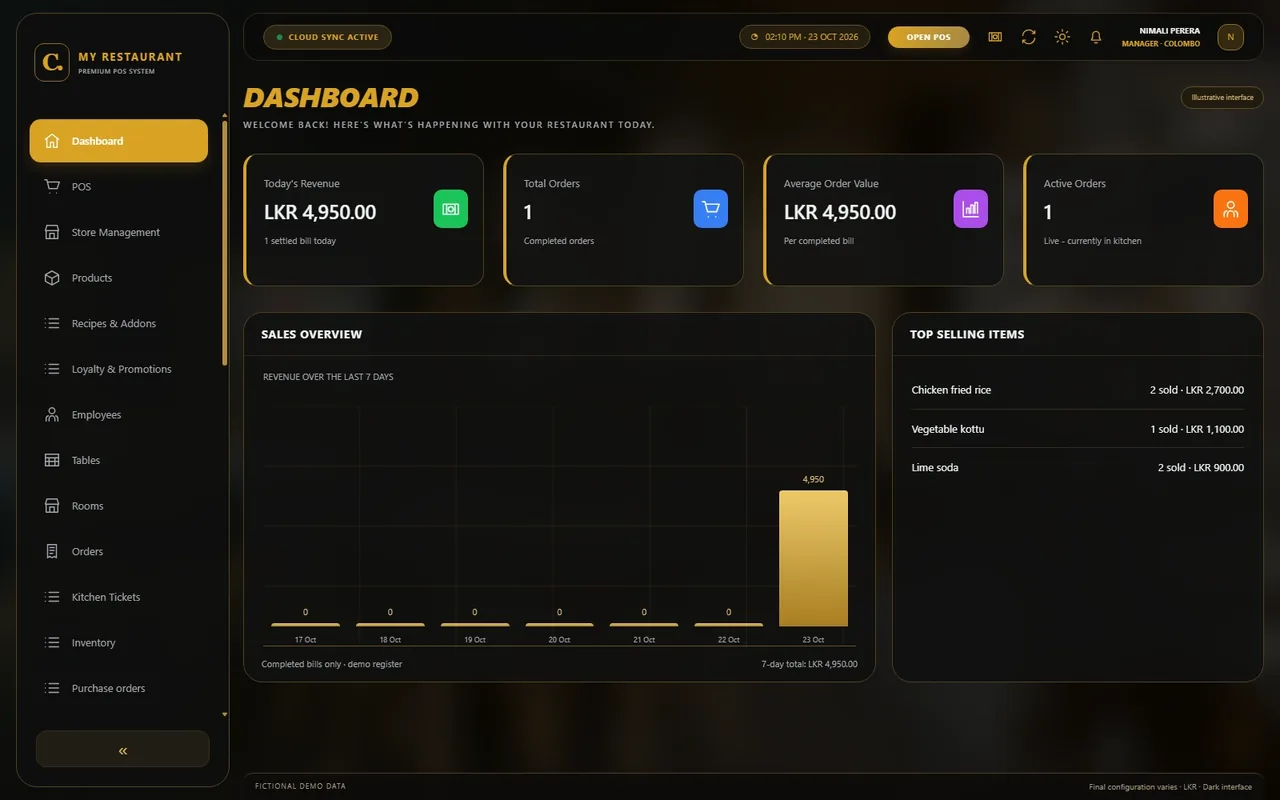
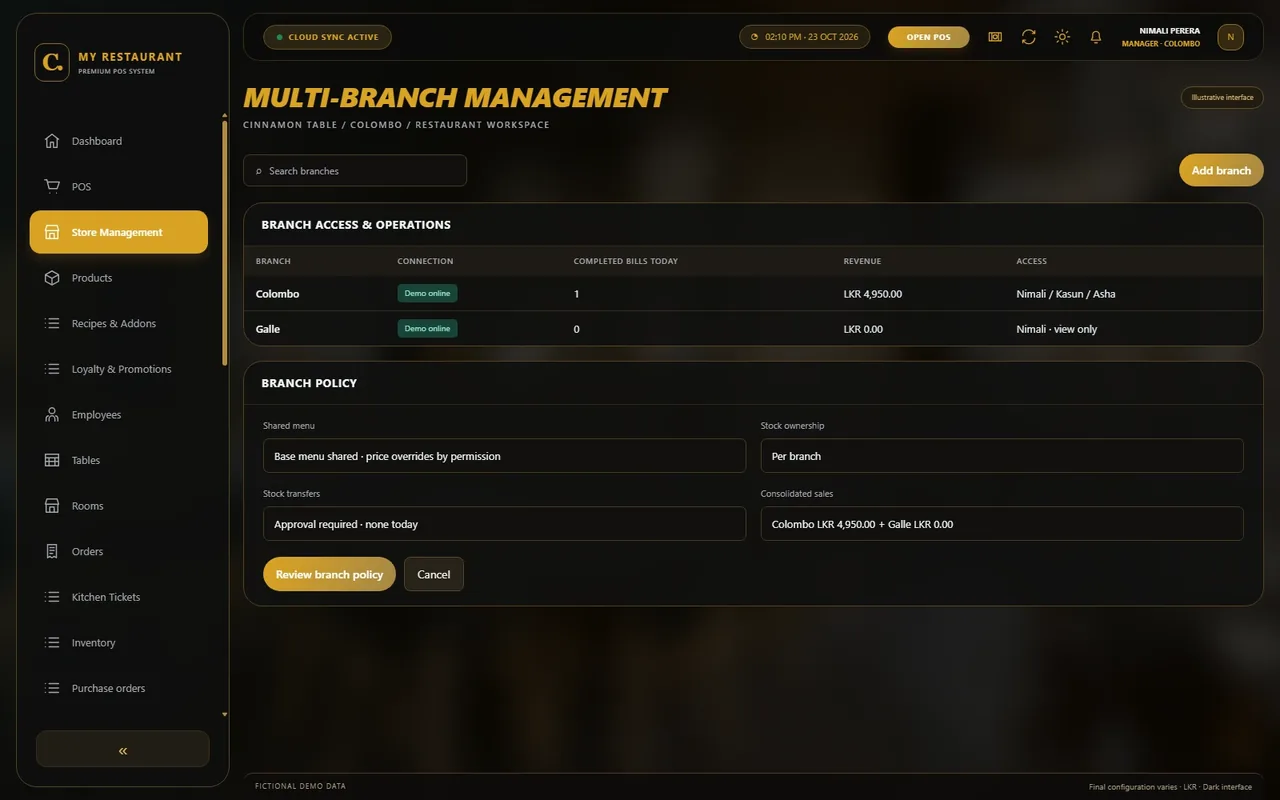
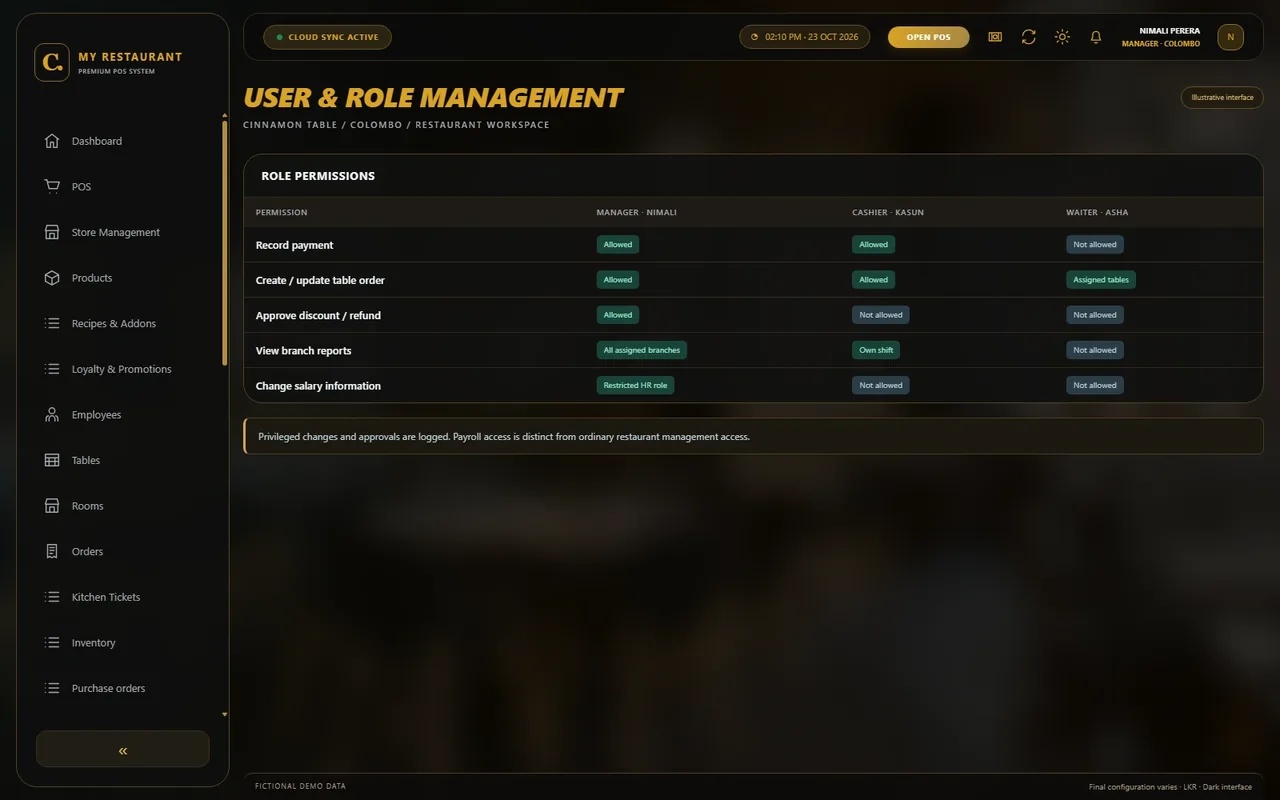
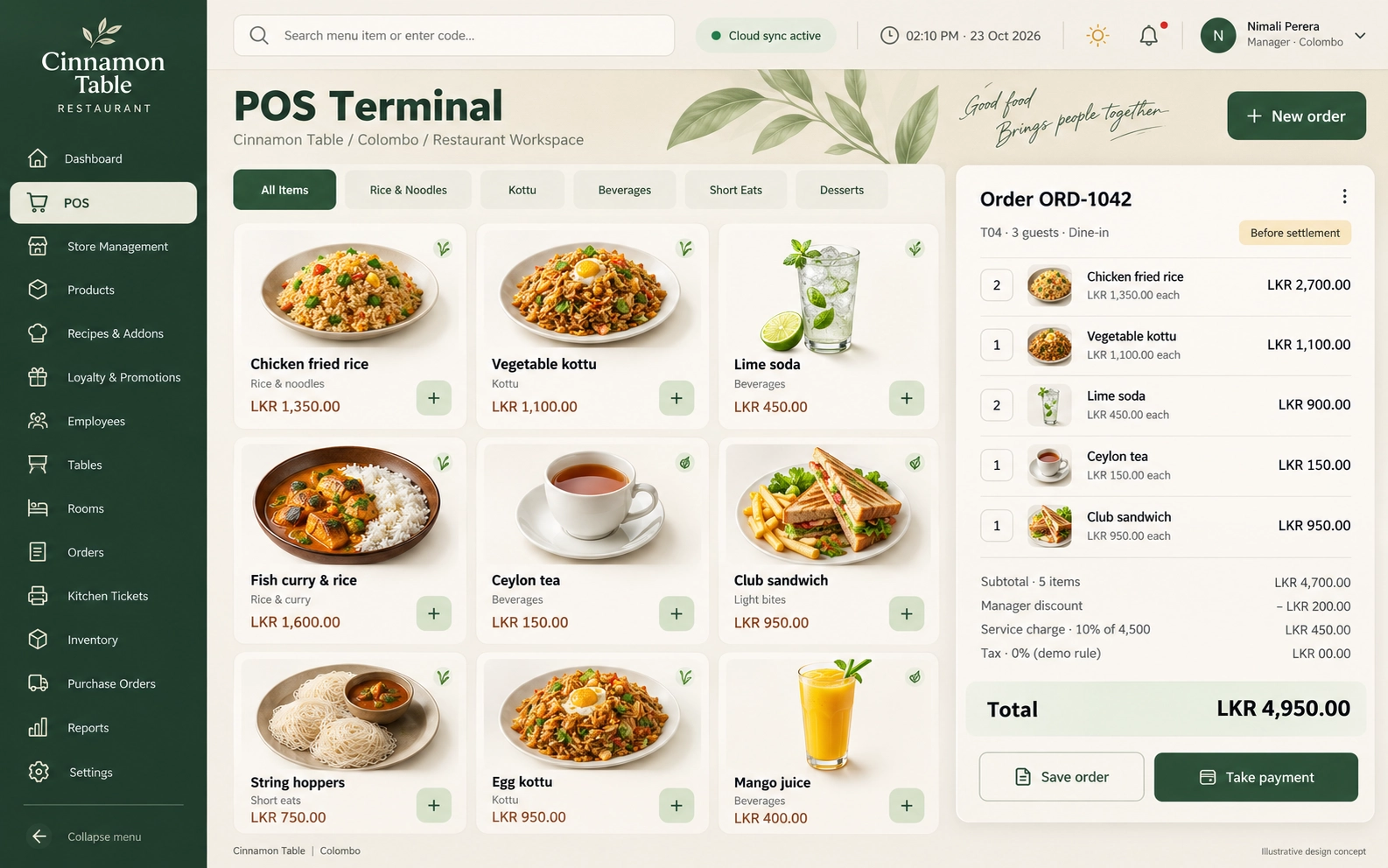
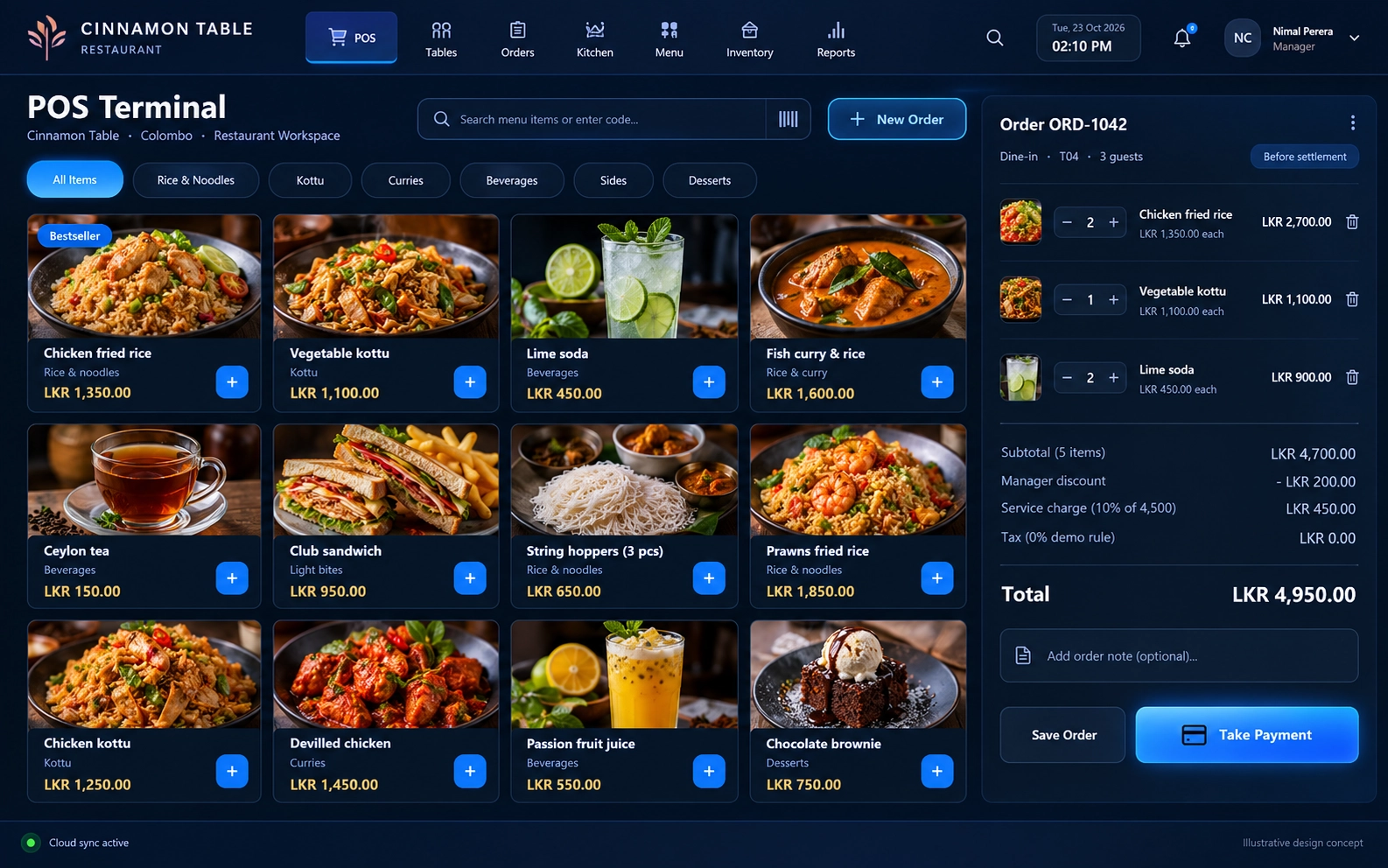
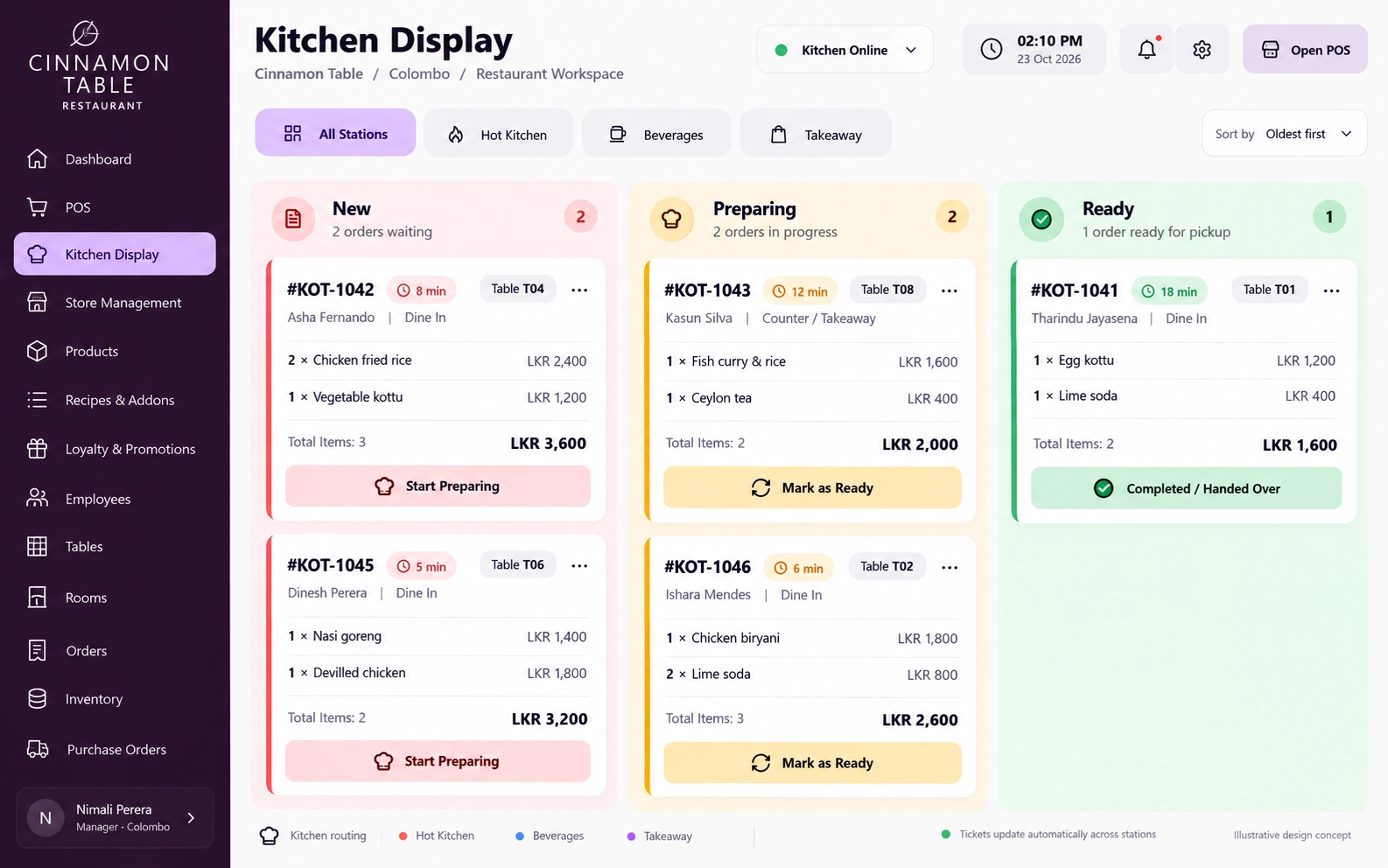
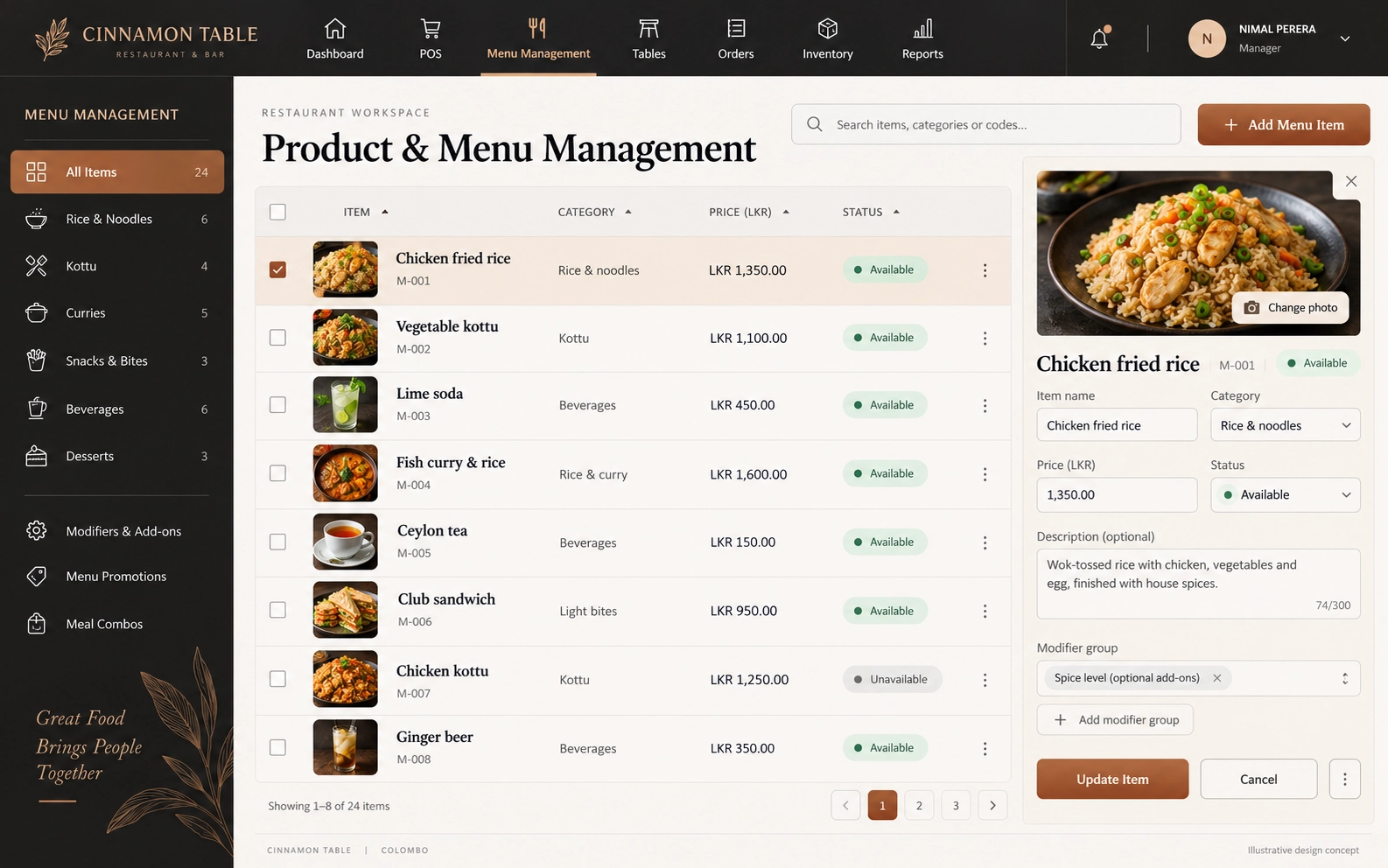
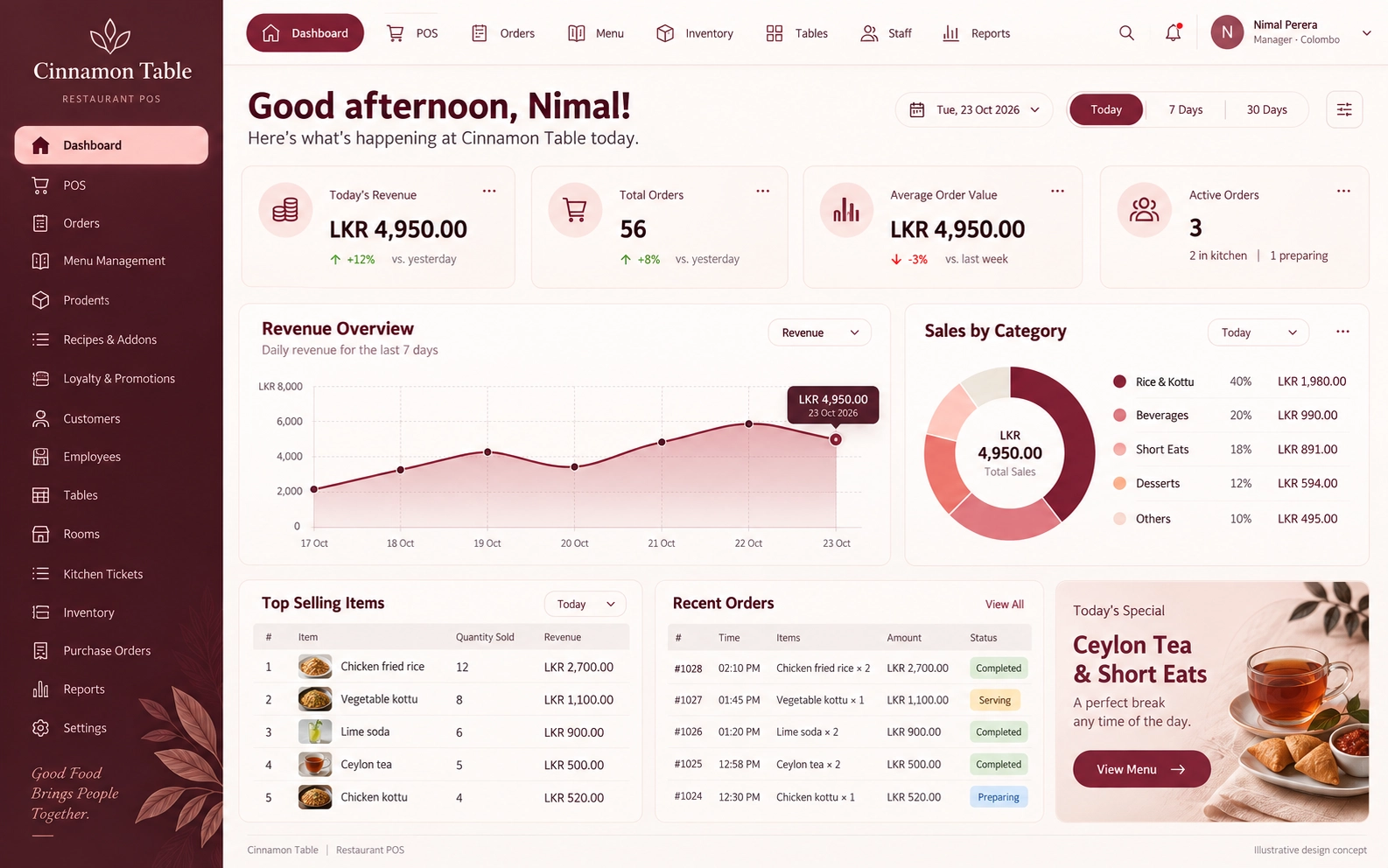
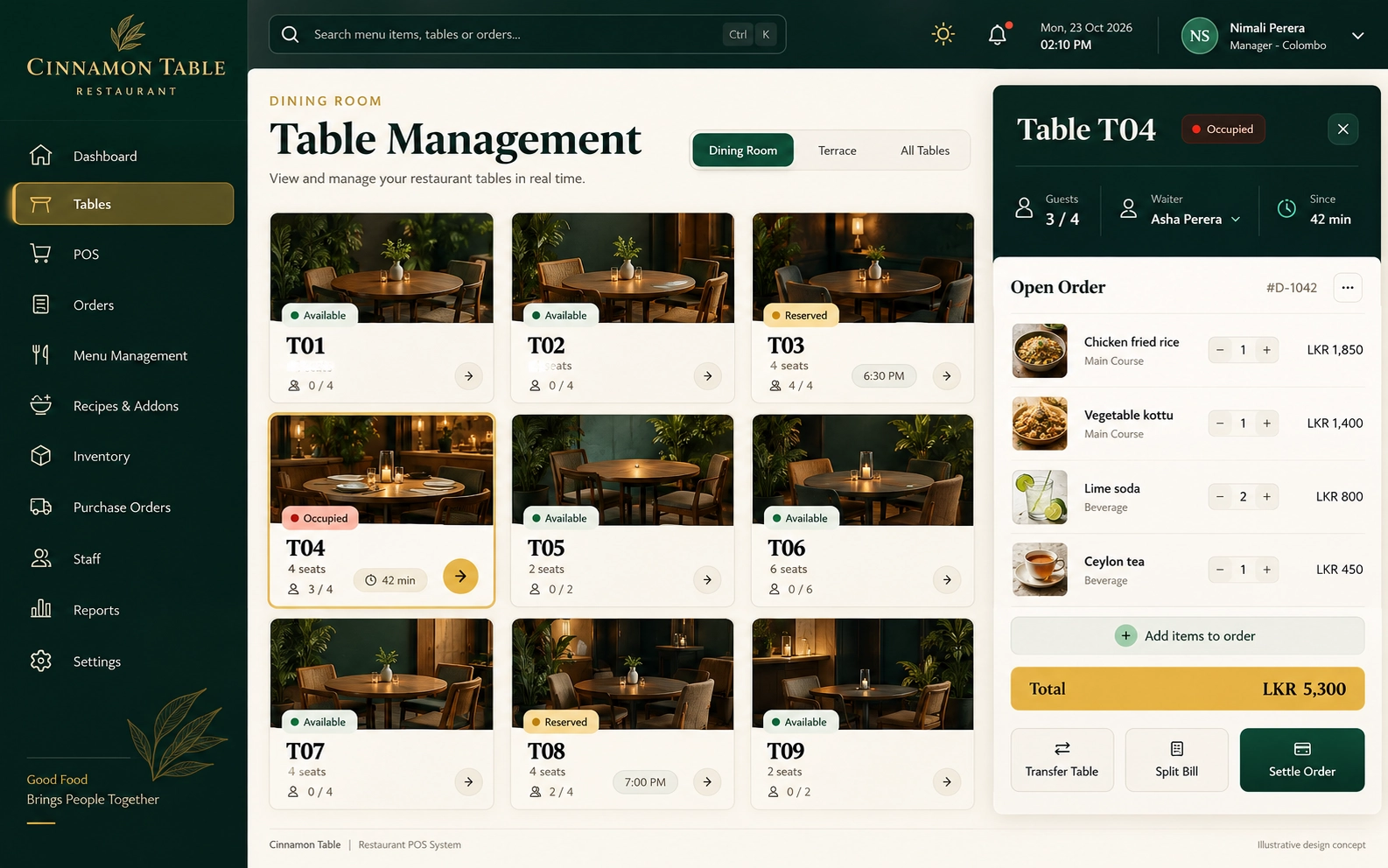
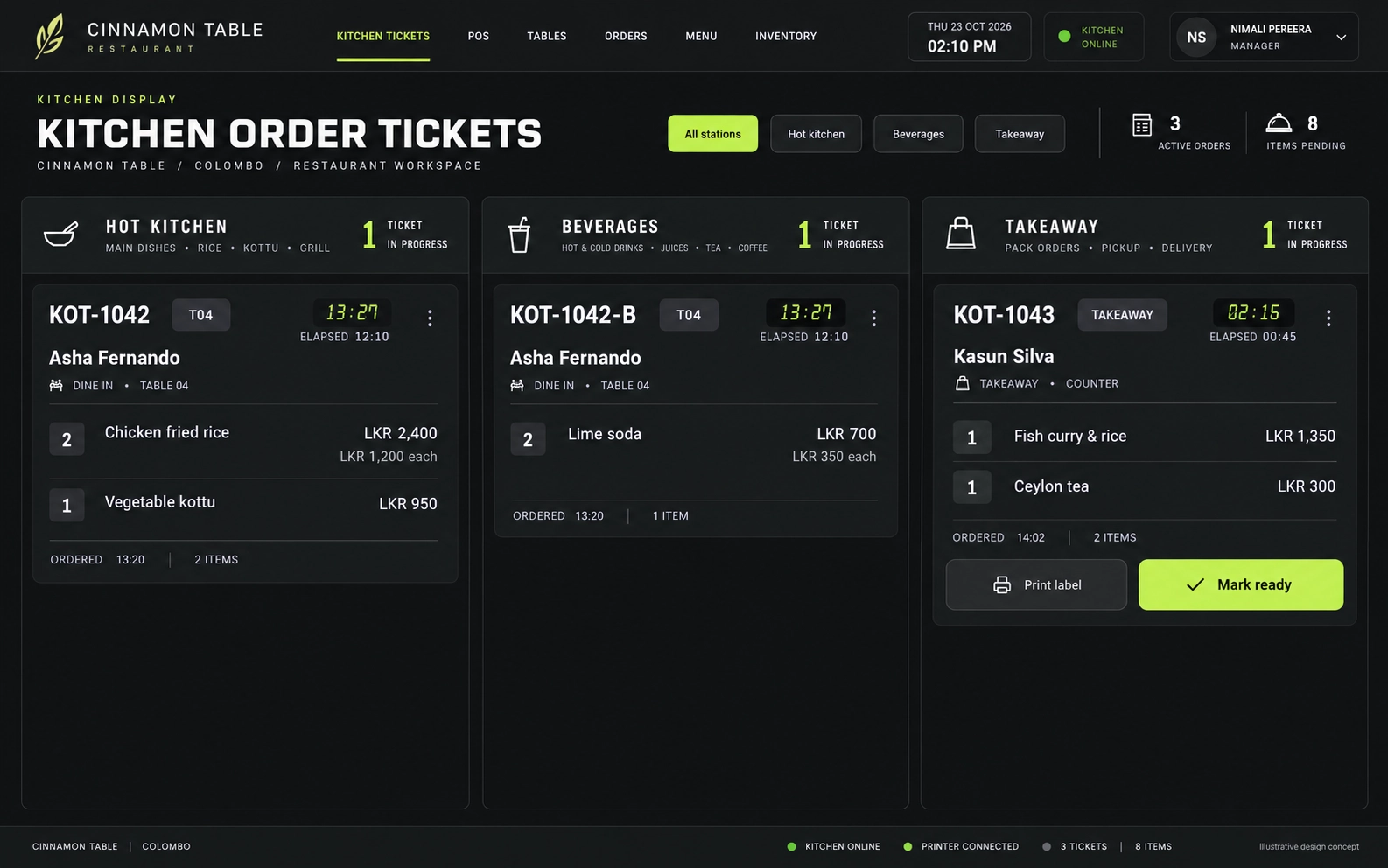
The same layout, features and familiar controls in both appearances. Use the buttons in the top-right corner of each preview to compare light and dark appearances.
ForDo IT · Restaurant workspace
Illustrative interface — final configuration varies. Dark mode preview
A CONNECTED RESTAURANT
From the first order to the final bill.
A clear service flow for independent restaurants, cafés, food outlets and restaurant groups.
ForDo IT is a software development company in Sri Lanka serving local and international businesses. Our restaurant management system offering brings order entry, kitchen handover, billing and stock workflows into a scope built around your operation.
Choose a focused starting point or plan a wider restaurant POS solution. We confirm modules, interface preferences, deployment, hardware and integrations with you before delivery.
01
Take the order
Choose the service mode, table, waiter and menu options.
02
Send it to the kitchen
Agree on KOT destinations, preparation statuses and changes.
03
Settle the bill
Apply permitted charges, split payments and issue a clear receipt.
04
Close with clarity
Review ingredient use, shift cash and branch reports.
A SCOPE THAT FITS
Start with the essentials. Build around your business.
Start with your daily operations, connect the extras you need, and shape the details around the way you work.
01
CONFIGURABLE CORE
Run the restaurant floor
The everyday workflows that keep service moving.
POS billing, sales & payments
Menus, tables, waiters & KOT
Inventory, recipes & purchasing
Business controls & permissions
Confirm the exact feature set and permissions in your proposal.
02
OPTIONAL MODULES
Add the connections you need
Bring more of your operation into one connected flow.
Loyalty & credit accounts
QR menus & multi-branch management
SMS & bar operations
HR-related extensions
Compatibility, provider costs and setup are assessed separately.
03
CUSTOM DEVELOPMENT
Make it work your way
Purpose-built details for the way your business runs.
Business-specific screens & approvals
Custom reports & payroll rules
Room-billing handovers
External system connections
Custom functionality is designed, agreed and tested to your requirements.
EXPLORE THE WORKSPACE
One workspace. Every part of service.
Explore your restaurant workflows, choose a module, and see how its interface supports your team.
Configure a touch-friendly counter for dine-in, takeaway and delivery. Choose menu items, variants, modifiers and add-ons, then apply permitted discounts, taxes and service charges.
Follow orders from draft to settlement across dine-in, takeaway and delivery. Configure manager approval for returns, refunds and cancellations, with reasons and an audit trail.
Configure KOT routing to suitable kitchen printers or displays. Define pending, preparing, ready and served statuses, including how changes and cancellations reach the kitchen.
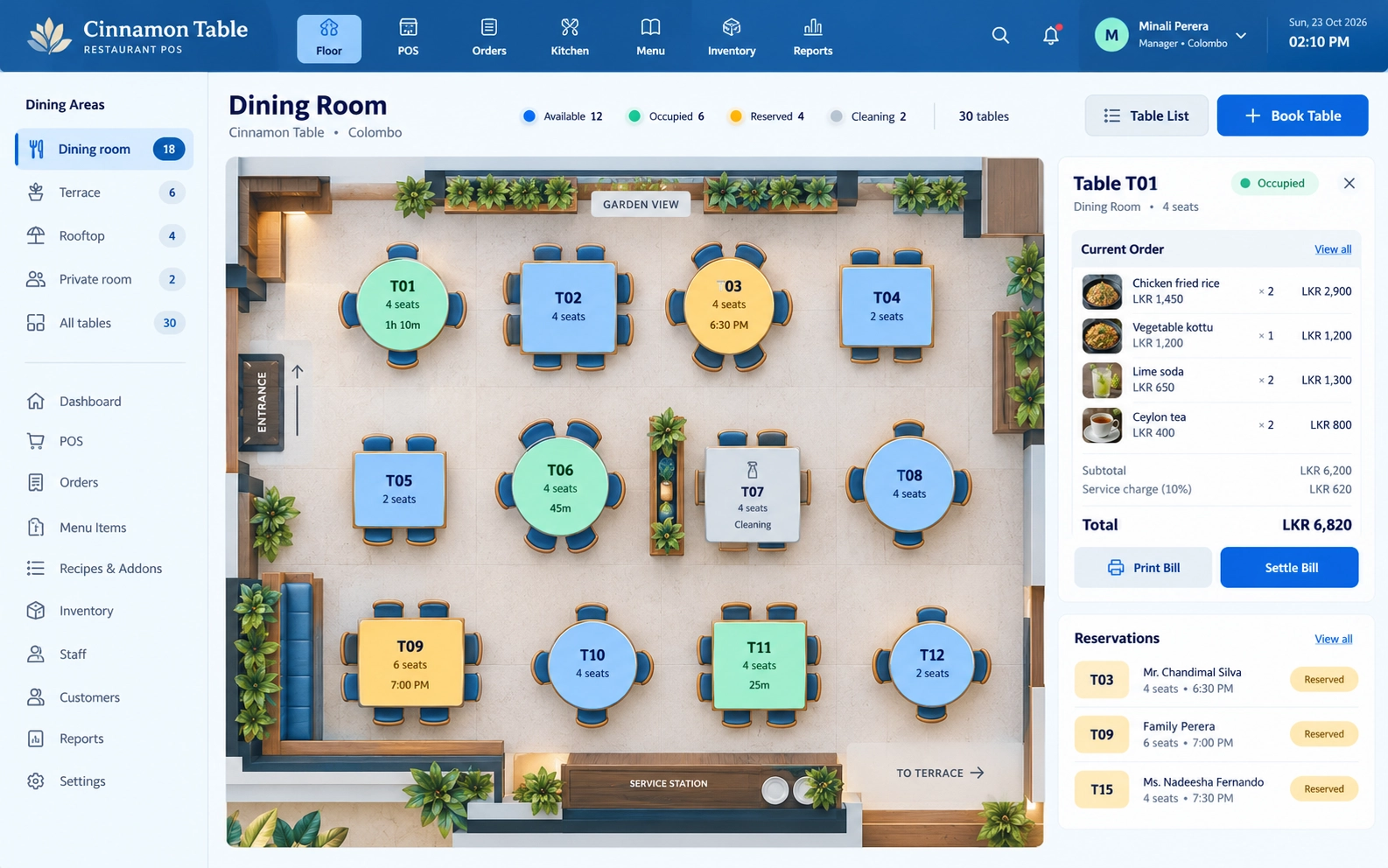
Configure a mobile-responsive waiter station for assigned tables, order entry and kitchen updates. Table transfers and restricted actions follow your agreed staff permissions.
Show line items, discounts, configured charges and payment allocations on a clear bill. Plan receipt printing, cashier shifts and cash reconciliation with your chosen hardware.
Organise categories, prices, variants, modifiers and add-ons around your menu. Configure availability and changes so staff can find the right item during service.
Plan ingredient stock, low-stock alerts, expiry batches, adjustments and wastage records. Define units, stock ownership and approval rules before rollout.
Link dishes to measured ingredient quantities. Configure when a completed order consumes stock, how portions differ and how wastage or recipe changes are recorded.
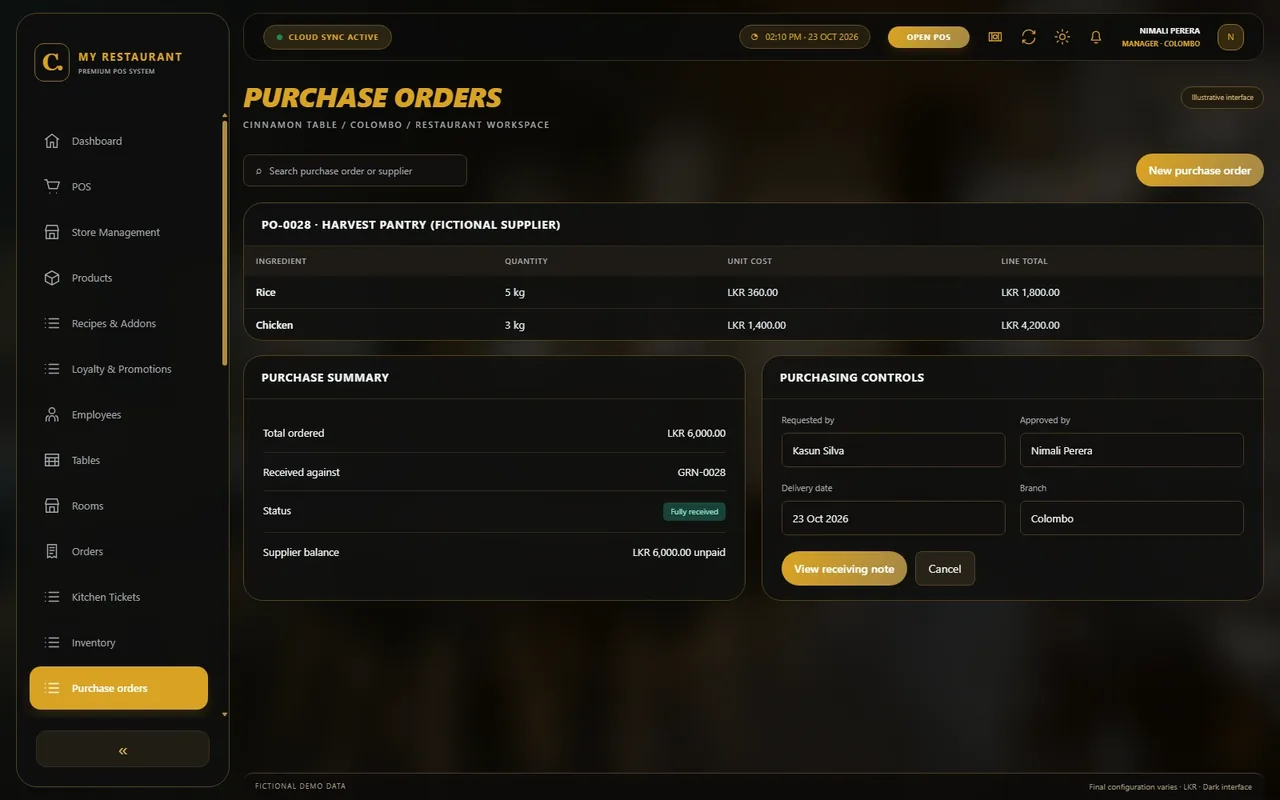
Prepare supplier orders with units, quantities, expected prices and approval status. Link ordered stock to receiving and record delivery discrepancies.
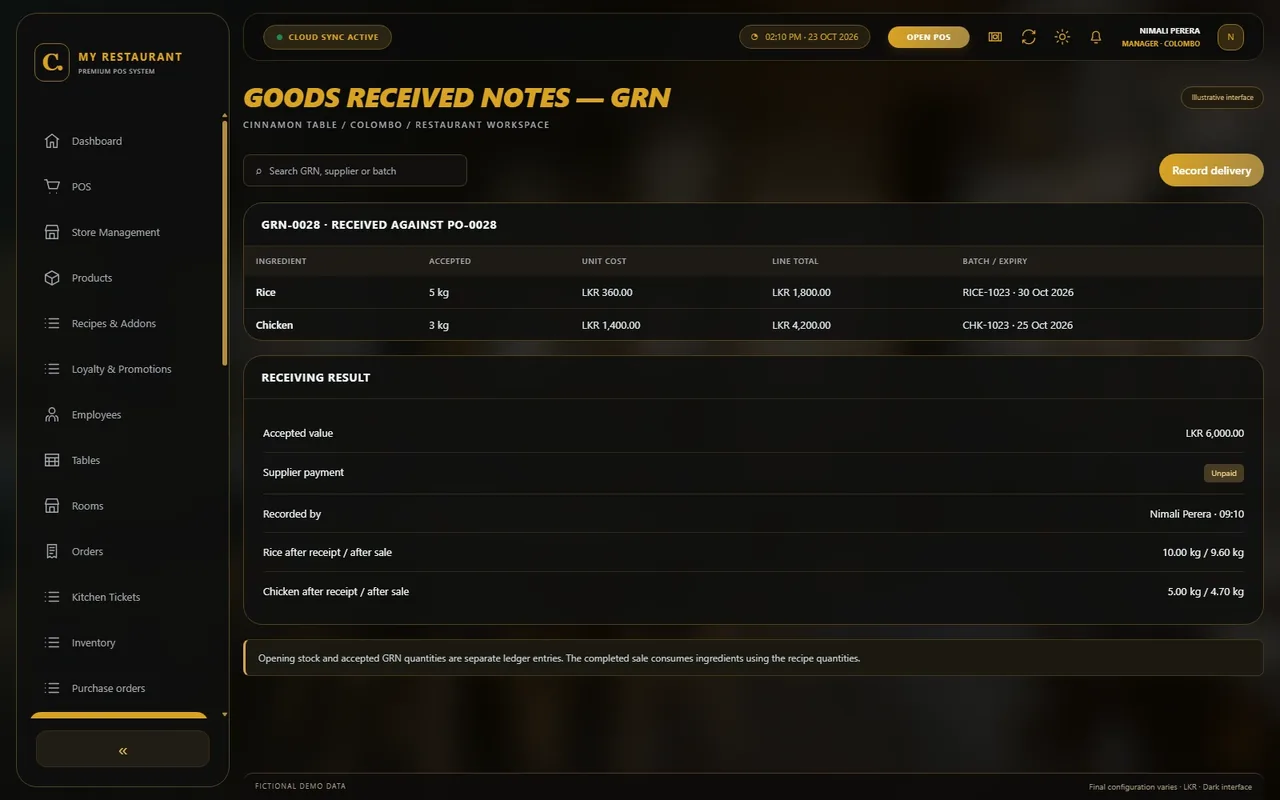
Receive supplier deliveries against a purchase order, confirm quantities and record batches or expiry dates. Configure how accepted stock updates inventory and supplier balances.
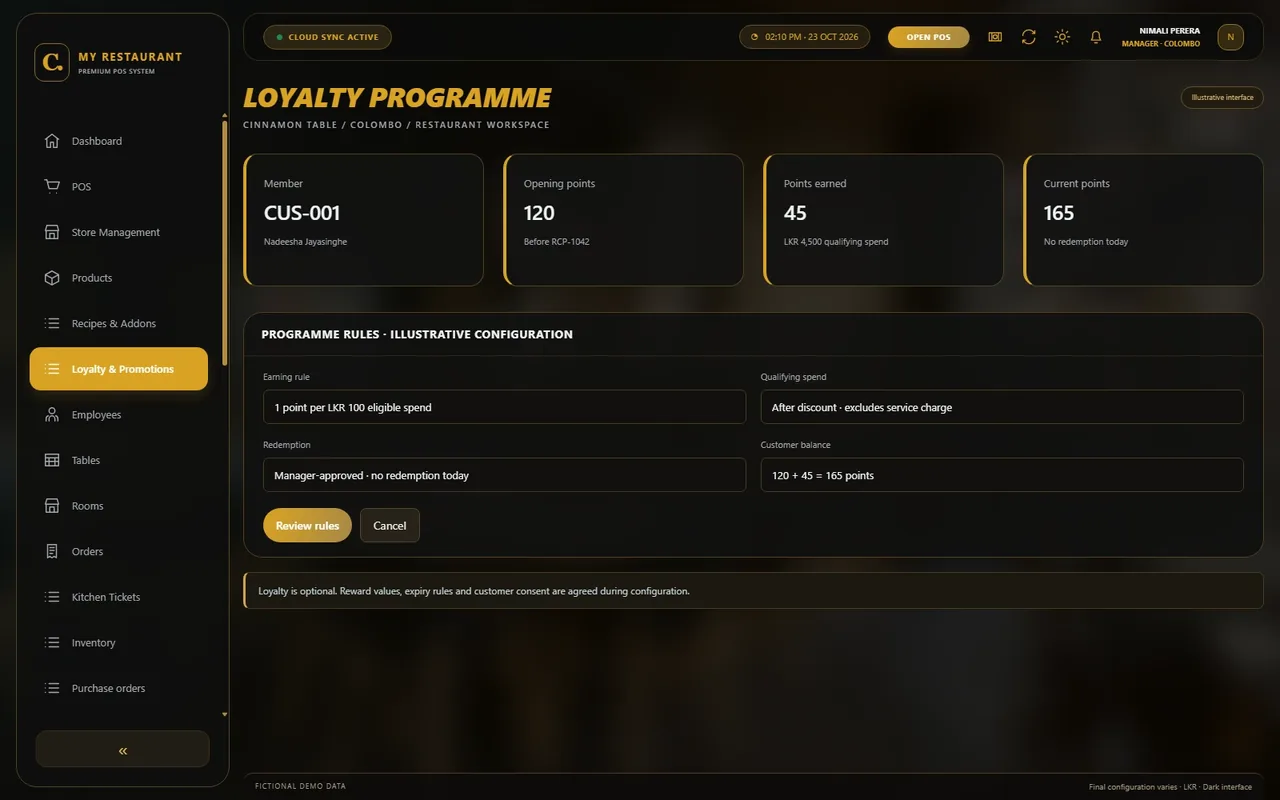
Keep customer contact preferences and order history in one place. Set staff permissions and decide which details are appropriate to collect for your service.
Add an approved credit-sales workflow with customer limits, due dates and an outstanding-balance ledger. Agree on who may grant credit and record repayments.
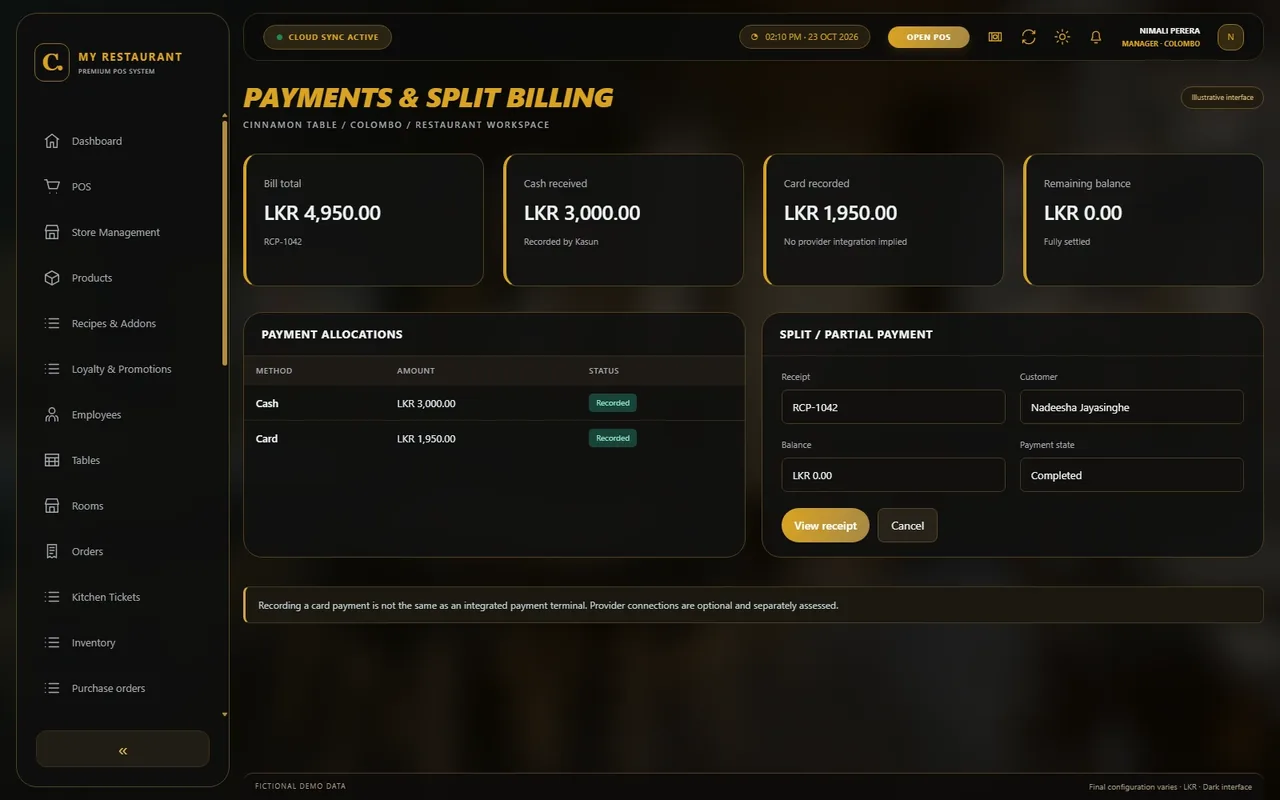
Configure cash, recorded card payments, split bills and partial settlements. Payment-provider integrations require a separate compatibility and commercial review.
Plan branch-level menus, stock access, transfers and consolidated reporting. Connectivity, synchronisation and access rules depend on the selected deployment.
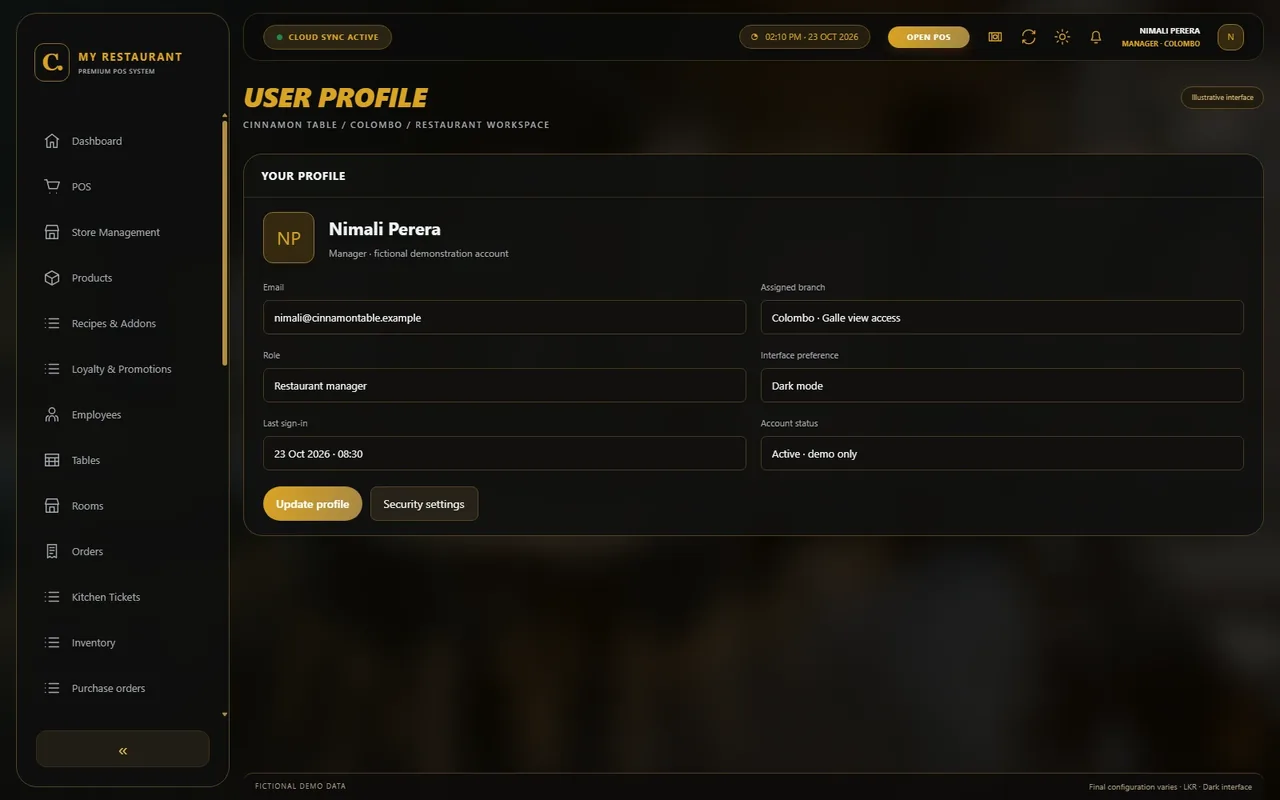
Configure cashier, waiter, kitchen and manager access. Restrict price overrides, refunds, reports and branch data to the people authorised to use them.
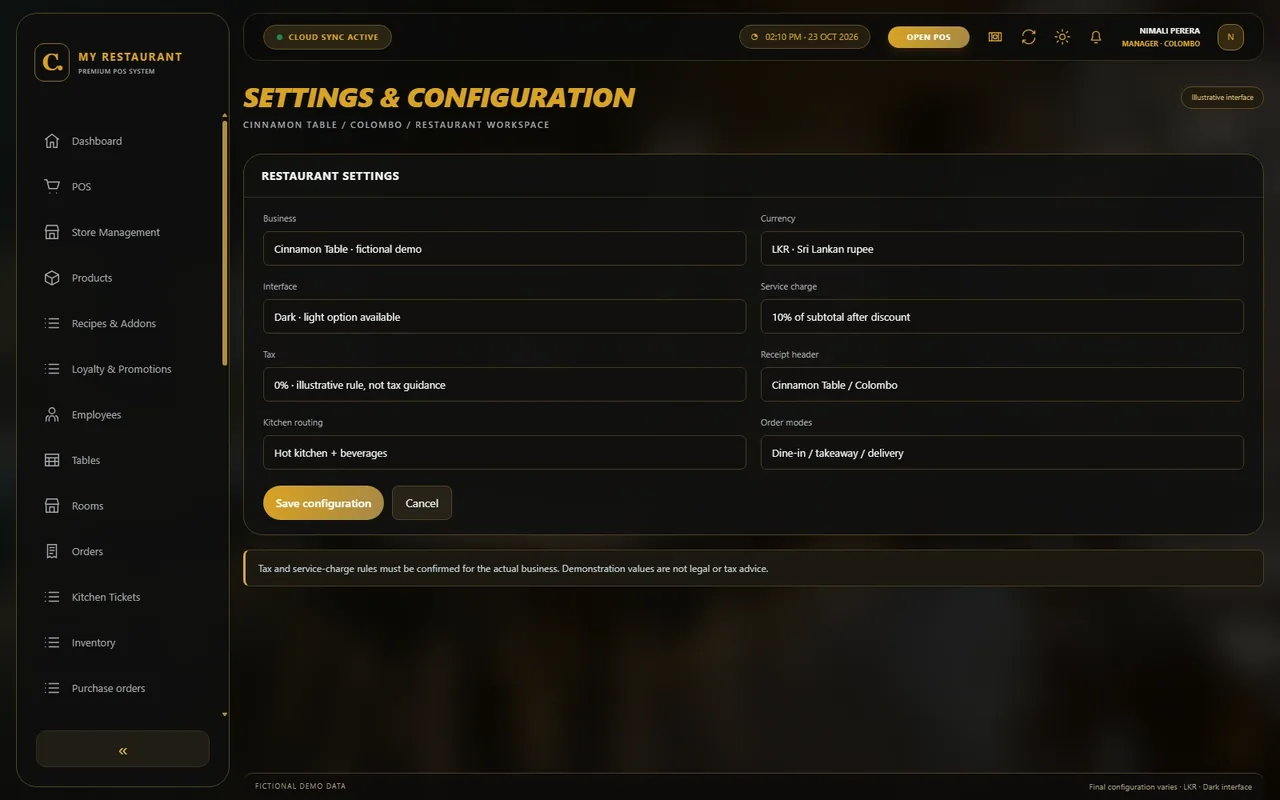
Set receipt details, order modes and agreed tax or service-charge rules. Light and dark themes, business branding and interface preferences can be configured to scope.
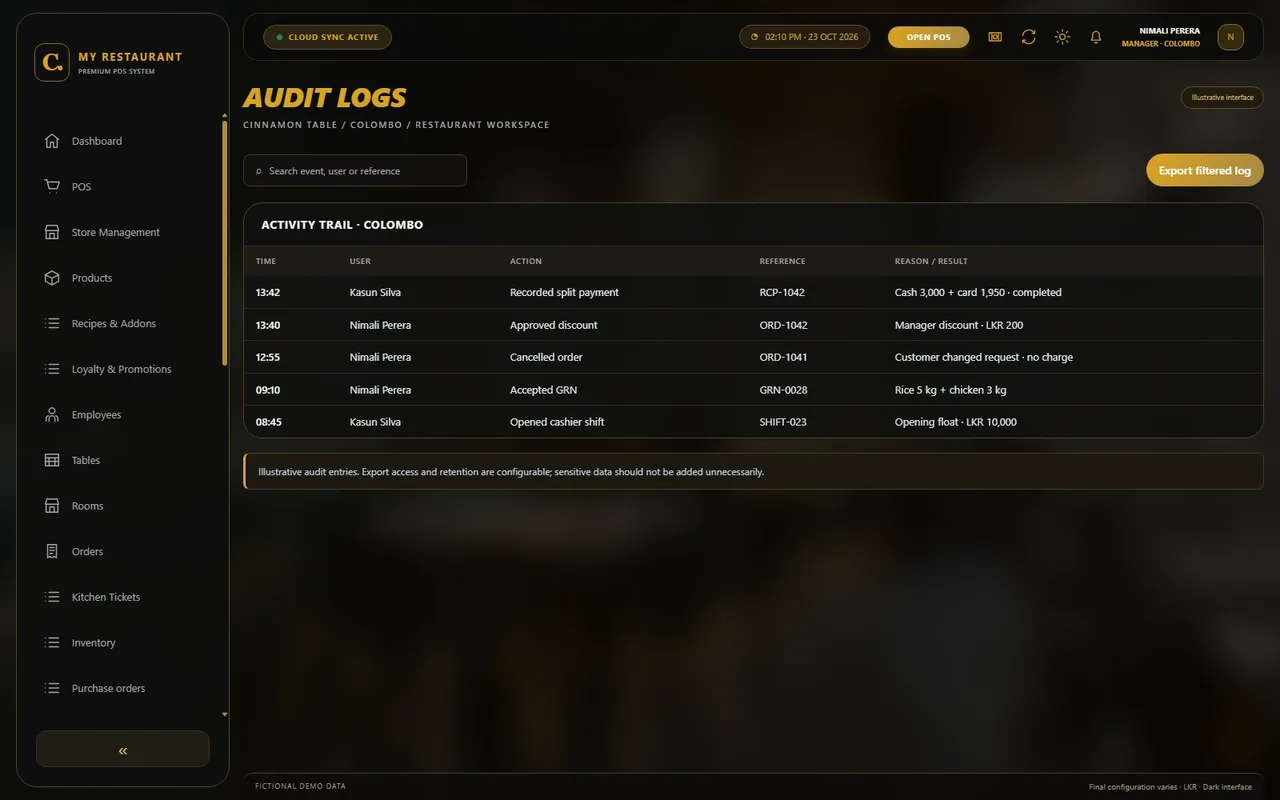
Record important actions with user, branch, time and reason. Agree on logged events and retention so managers can review corrections and permission-sensitive changes.
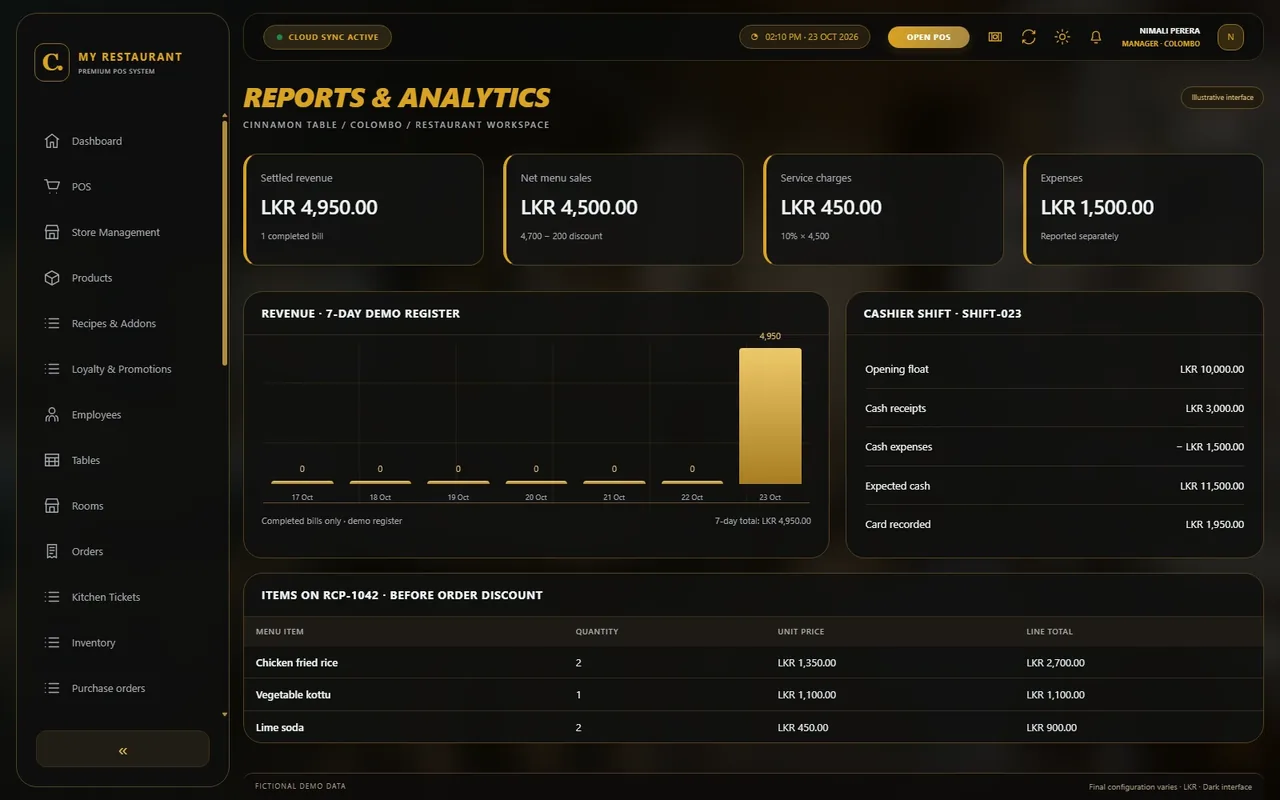
Review item, payment, shift and branch summaries with consistent totals. Bespoke report formats, exports or external reporting connections can be scoped separately.
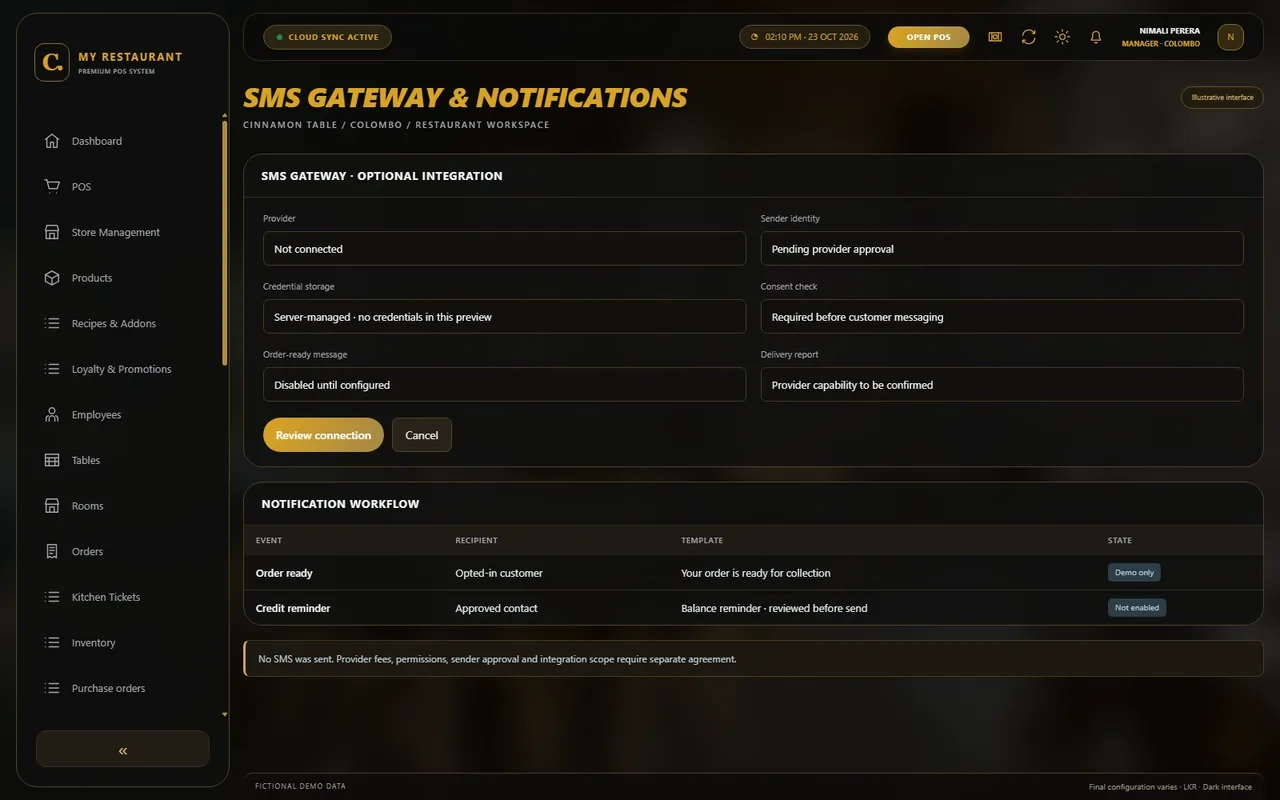
Connect a compatible SMS provider for agreed order or customer notifications. Provider charges, sender approval, consent handling and delivery reporting are scoped separately.
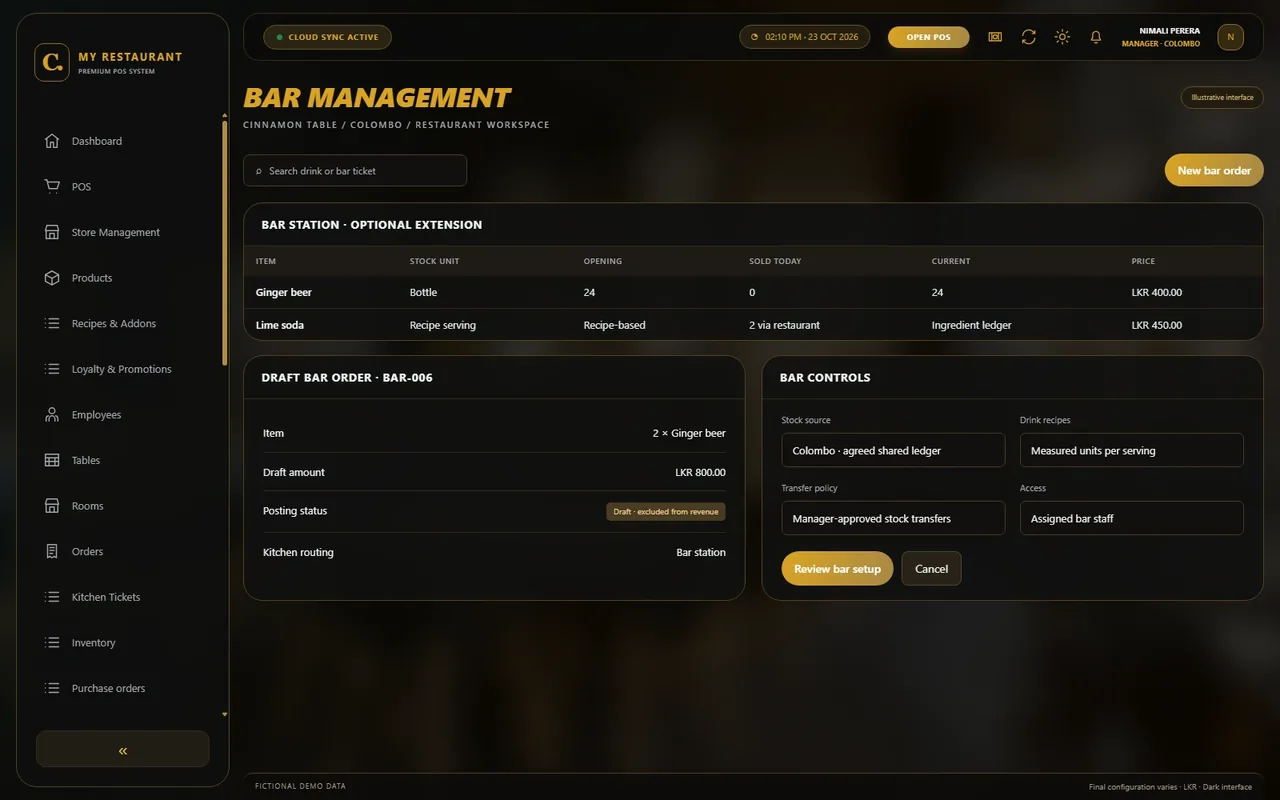
Add a bar workflow for drinks, recipes, stock and bar-specific tickets. Agree on the relationship between the restaurant counter, bar station and stock units.
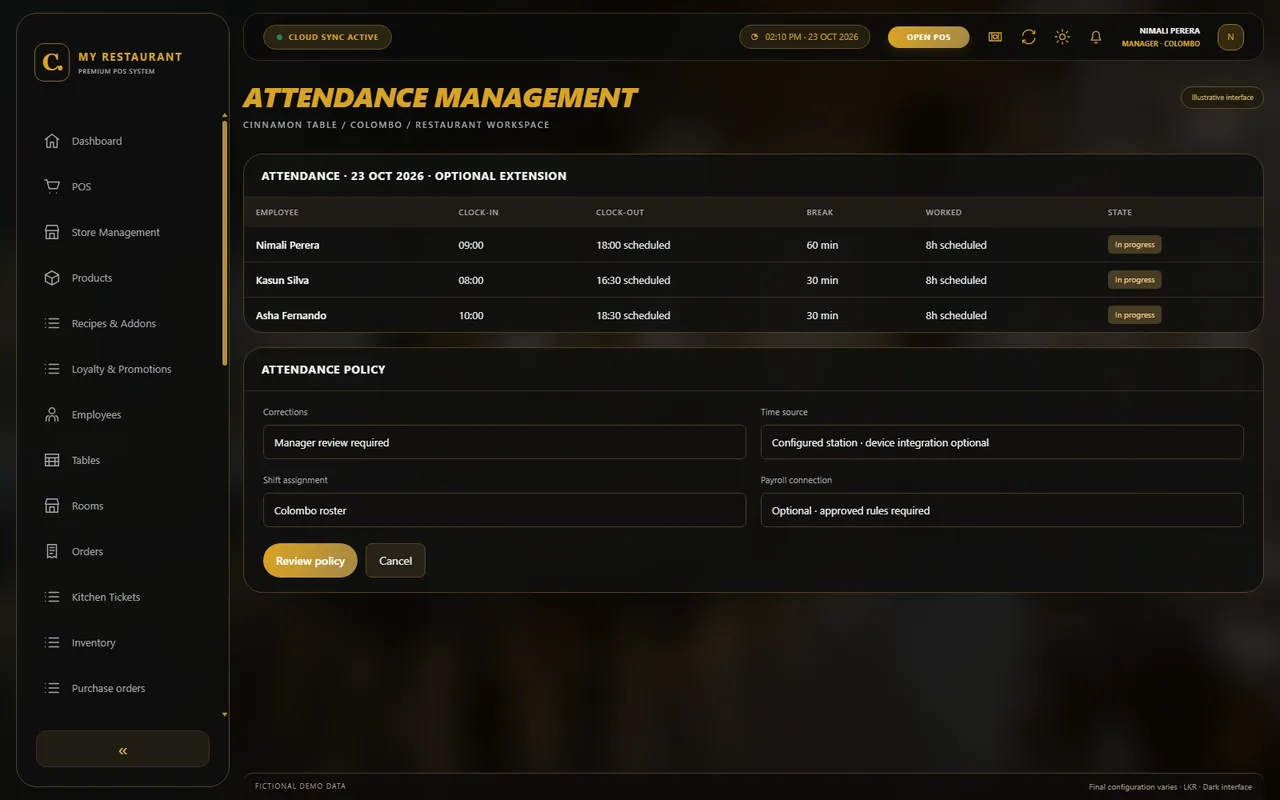
Add leave requests, approval and balance tracking around your organisation’s policies. Define how approved absence affects rosters and any payroll workflow.
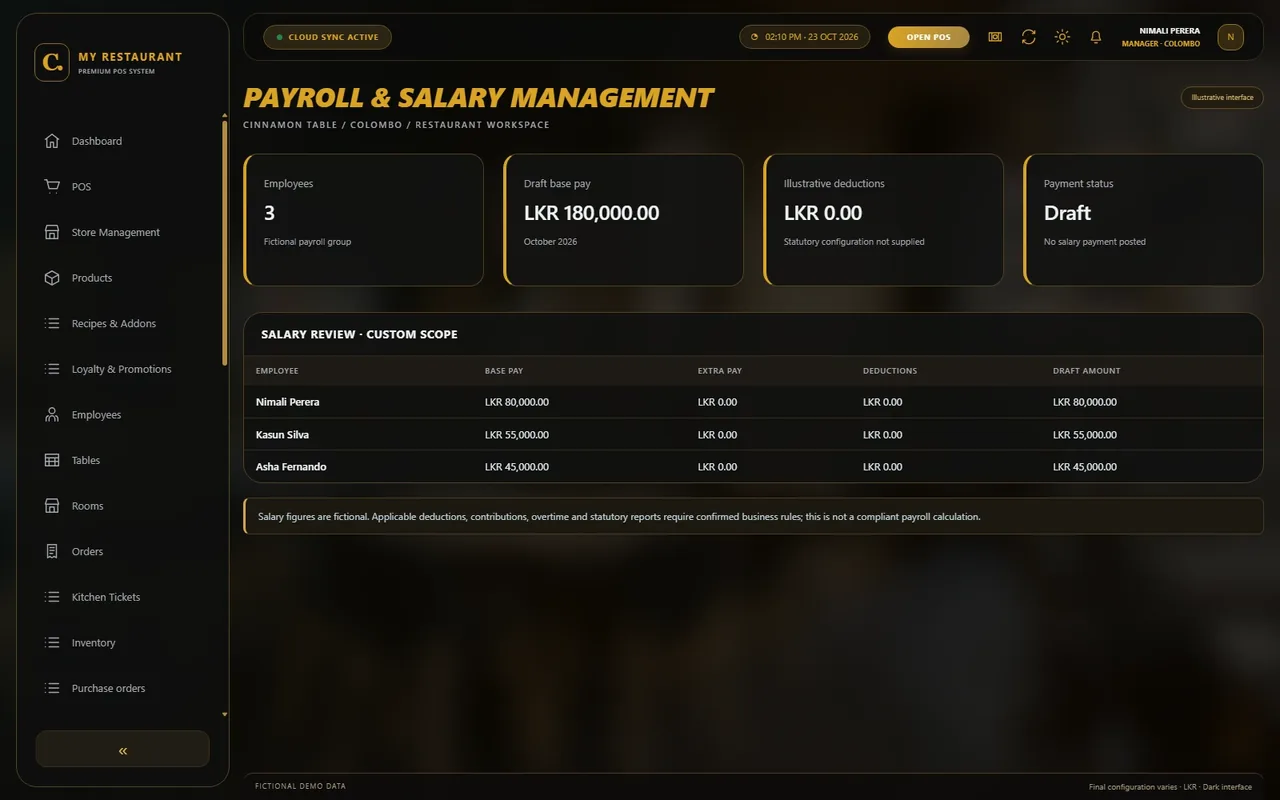
Scope a business-specific salary workflow covering agreed pay items, deductions and review. Applicable statutory rules, reports and calculations must be confirmed before implementation.
Develop room-linked food orders and guest-billing handovers for restaurants serving accommodation. Any property-management integration or room-charge posting requires separate scoping.
No matching modules. Try another name or category.
WORKSPACE PREVIEWChoose a module
Your workspace, up close.
Select a module to expand its interface and discover what it does.
Choose from the module library
YOUR SETUP, YOUR CHOICE
Cloud, desktop or both.
Choose around connectivity, outlet locations, device needs and how your team works.
Find a plan that fits your setup.View plans & pricing Compare published plans, then request a restaurant-specific quote.
01 / CONNECTED ACCESS
Cloud-Based POS System
A hosted setup for connected access across agreed devices and locations. Discuss internet requirements, branch permissions and backup arrangements.
02 / LOCAL + CONNECTED
Desktop + Cloud POS
A local counter with agreed cloud access or synchronisation. Define what works locally, when data syncs and how conflicts or interruptions are handled.
03 / COUNTER-FOCUSED
Desktop POS System
A desktop-focused setup for your counter. Confirm compatible equipment, local access, backups and the recovery process during scoping.
Backup, offline and recovery behaviour are confirmed for your selected deployment.
DESIGNED AROUND YOUR TEAM
Your branding. Your workflow. Your way of working.
Make the workspace feel like your restaurant. Discuss your brand, your team’s roles and the way you serve your customers.
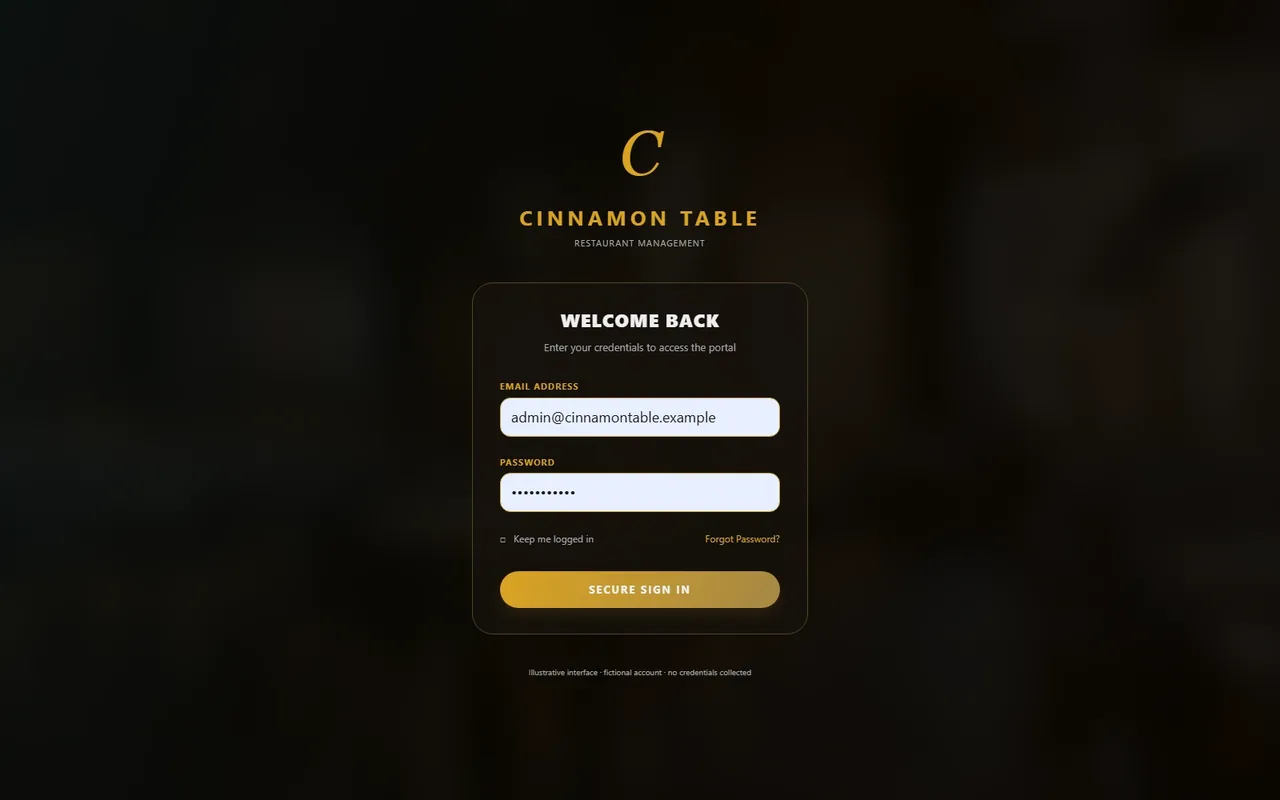
YOUR WORKSPACE, YOUR IDENTITYSign-in preview
Try the light & dark previewsIllustrative interface · final appearance and device support are agreed for your project.
CUSTOMISATION OPTIONS
A look that feels like you
Brand colours, receipt identity and light or dark interface preferences.
A flow that fits your team
Order states, approvals, kitchen routing and actions matched to staff roles.
The right view on each device
Responsive layouts for compatible counter equipment and mobile devices.
Connections that make sense
Business-specific screens and scoped integrations with your existing systems.
CHOOSE A LOOK. MAKE IT YOURS.
Your restaurant. Your kind of interface.
Start with a design you love. Shape the colours, fonts, layout and everyday workflows around your brand and your team.
Use the arrows to pause on a design. View design opens the full image in a new tab.
WHEN YOUR OPERATION NEEDS MORE
Beyond the restaurant floor.
Extend the restaurant POS with an agreed scope. These workflows are optional or custom work, not automatic additions to every plan.
01
Restaurant POS with bar management
OPTIONAL
Discuss drink stock, recipe units, bar tickets and permissions. Define whether restaurant and bar counters share stock, billing and reporting.
02
HR, attendance, leave & payroll
OPTIONAL / CUSTOM
Add employee records and attendance or leave workflows. Payroll is scoped around approved salary items and applicable requirements, with sensitive data access kept separate.
03
Room service & room-related billing
CUSTOM
Plan room-linked orders and guest-billing handovers for accommodation operations. Any property-management integration, posting or guest-ledger connection needs separate assessment.
FROM SCOPING TO SERVICE
A practical plan for going live.
Support beyond setup
ForDo IT offers 24/7 support availability. Contact channels, coverage and escalation are agreed with you; no response-time guarantee or contractual SLA is implied.
Understand your operation
Map service modes, counters, branches, menu data, hardware and essential reports.
Agree and configure the scope
Separate core workflows, optional modules and custom work. Confirm deployment, data handling and commercial terms.
Prepare, train and pilot
Check menu and opening stock, test bills and exceptions, and walk staff through their roles before a wider rollout.
Support and improve
Review day-to-day use, plan updates and agree on future changes as the business grows.
ISLANDWIDE COVERAGELK / SRI LANKA
N
25districts. One connected island.
Explore your district
Islandwide POS coverage
Serving All Of Sri Lanka
Find POS Systems In Your District
Your business. Your district. A POS system built around you. Explore our islandwide service locations.
Which deployment options can I discuss with ForDo IT?
Cloud-Based POS System, Desktop + Cloud POS and Desktop POS System are available deployment choices to discuss. Agree on connectivity, backups, synchronisation and offline behaviour for the selected plan before implementation.
Where can I check restaurant POS prices and packages?
Use our pricing page for the published POS plans, then request a quote for your restaurant. The final scope depends on outlets, users, modules, integrations, migration and hardware; optional and custom work is not automatically included in every package.
Can the interface match my restaurant and work on mobile?
Mobile-responsive interfaces, light and dark interface options, branding and workflow customisation can be discussed. The demonstration screens are illustrative; final layouts, supported devices and module access are confirmed in the project scope.
Can you supply and configure POS hardware?
ForDo IT can discuss supplying and configuring suitable terminals, receipt or kitchen printers, cash drawers and other POS equipment, subject to requirements, compatibility and availability. Hardware is quoted separately where applicable.
Can I manage more than one restaurant branch?
Multi-branch management is an optional scope choice. Discuss branch permissions, menus, stock transfers, reporting, connectivity and synchronisation so the deployment matches how your outlets operate.
Can restaurant and bar operations work together?
Optional bar management can be configured for drink items, stock units, recipes and bar tickets. Confirm whether the bar shares a counter, inventory and reporting with the restaurant or needs separate controls.
Are HR, attendance, leave and payroll included?
These are optional extensions rather than automatic package inclusions. HR, attendance and leave can be scoped together; payroll requires business-specific rules, salary items and applicable requirements to be agreed and tested.
Can orders be billed to a guest room?
Room service and room-related billing can be developed around your workflow. Integration with any property-management platform, guest ledger or room-charge approval process requires a separate technical and commercial review.
What support and onboarding can I arrange?
ForDo IT offers 24/7 support availability. Agree on contact channels, coverage and escalation during scoping; no response-time guarantee or contractual SLA is implied. Setup, data preparation, training and rollout support are planned with your team.
Does the POS connect to payment or SMS providers?
Compatible payment and SMS connections can be evaluated as optional integrations. Provider selection, accounts, fees, approval, permissions and failure handling are confirmed separately; no named provider is assumed to be included.
Are the screenshots from a deployed restaurant?
No. They are consistent demonstration mockups using a fictional restaurant and sample LKR data. They explain possible workflows, not proof of a live deployment or a promise that all modules are included in one plan.